Hello @James_Hereford,
You’re correct that a generated column won’t fit your needs for this scenario. Instead, you can achieve this by using a beforeUpdate event handler.
Here’s how you can set it up:
- Create a
beforeUpdateEvent Handler: In the Backendless Console, go to the “Cloud Code” section and create abeforeUpdateevent handler for your table. - Retrieve the Existing Record: Use the event handler to retrieve the existing record from the database by its
objectId. This lets you access the previous value of theNotesfield. - Compare the
NotesField: Compare the existing value of theNotesfield with the new value that’s being saved. If the values differ, it means theNotesfield has been updated. - Update the
isNewNoteField: If theNotesfield has changed, set theisNewNotefield totrue.
This approach will ensure that every time the Notes field is modified, the isNewNote field is updated to true.
Here’s how this logic might look:

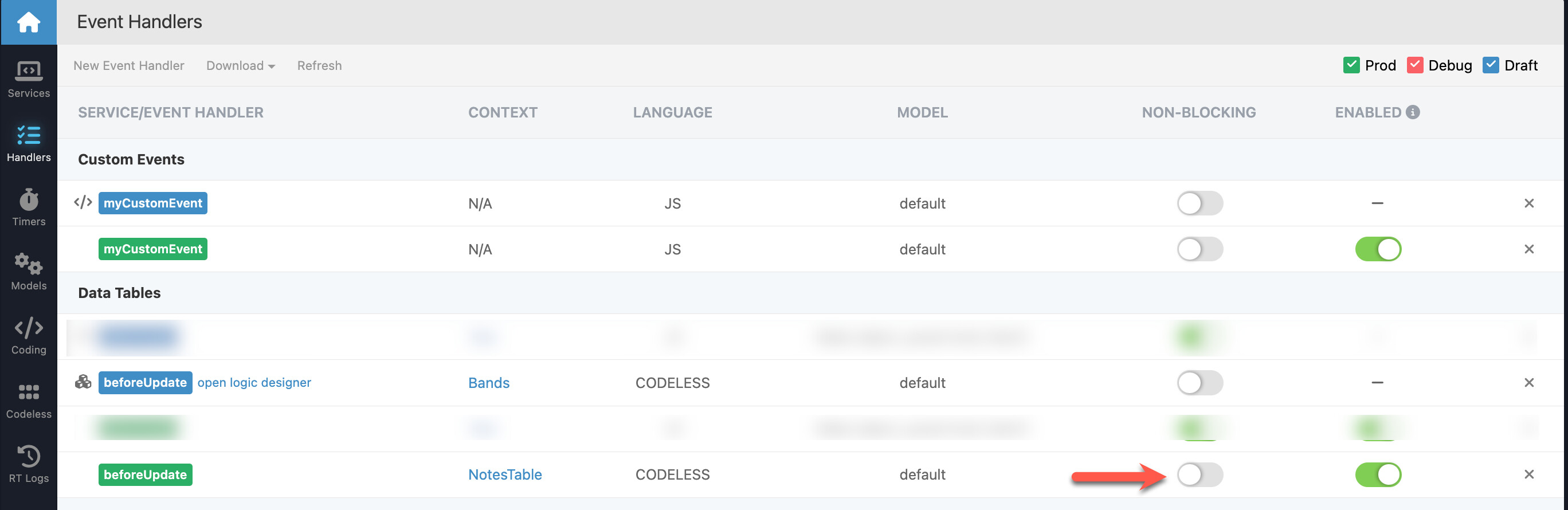
Please note that the Event Handler should be of the Blocking type:
For more information about how Event Handlers work, please refer to the documentation: Event Handlers Documentation.
Let me know if you need any further assistance!
Regards,
Stanislaw