Yesterday, my app stopped updating when I click Preview. Meaning, the changes I made to the app aren’t being reflected in the preview version. I’ve verified this by adding a simple print to console on click block and seeing that no matter where I put it, nothing I added to the app was being reflected in preview. Back-end API service calls are updating, but nothing from UI builder.

Hi, @David_King
I see your On Click Event block, but I can’t determine the issue just from this image. Could you please provide more details about what’s not working as expected? For example, are you seeing any errors in the browser console, or does nothing at all happen when you click? Any additional information will help me better understand and assist you.
Kind regards,
Karyna
Any changes I make are not reflected in the preview, which still operates as it did before making the changes.
For example, here is me adding giant text to the login page
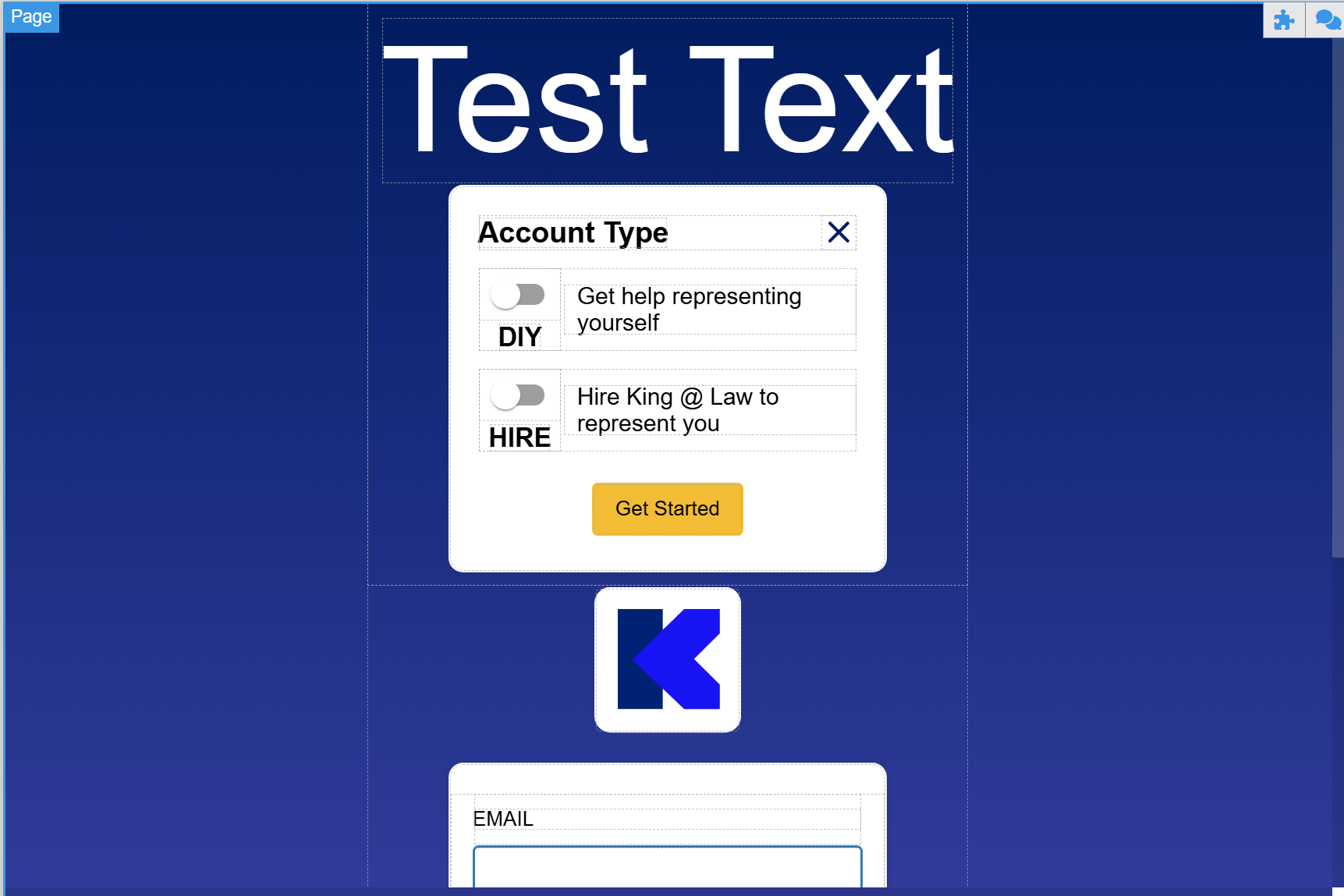
However, when I click preview, there are no changes
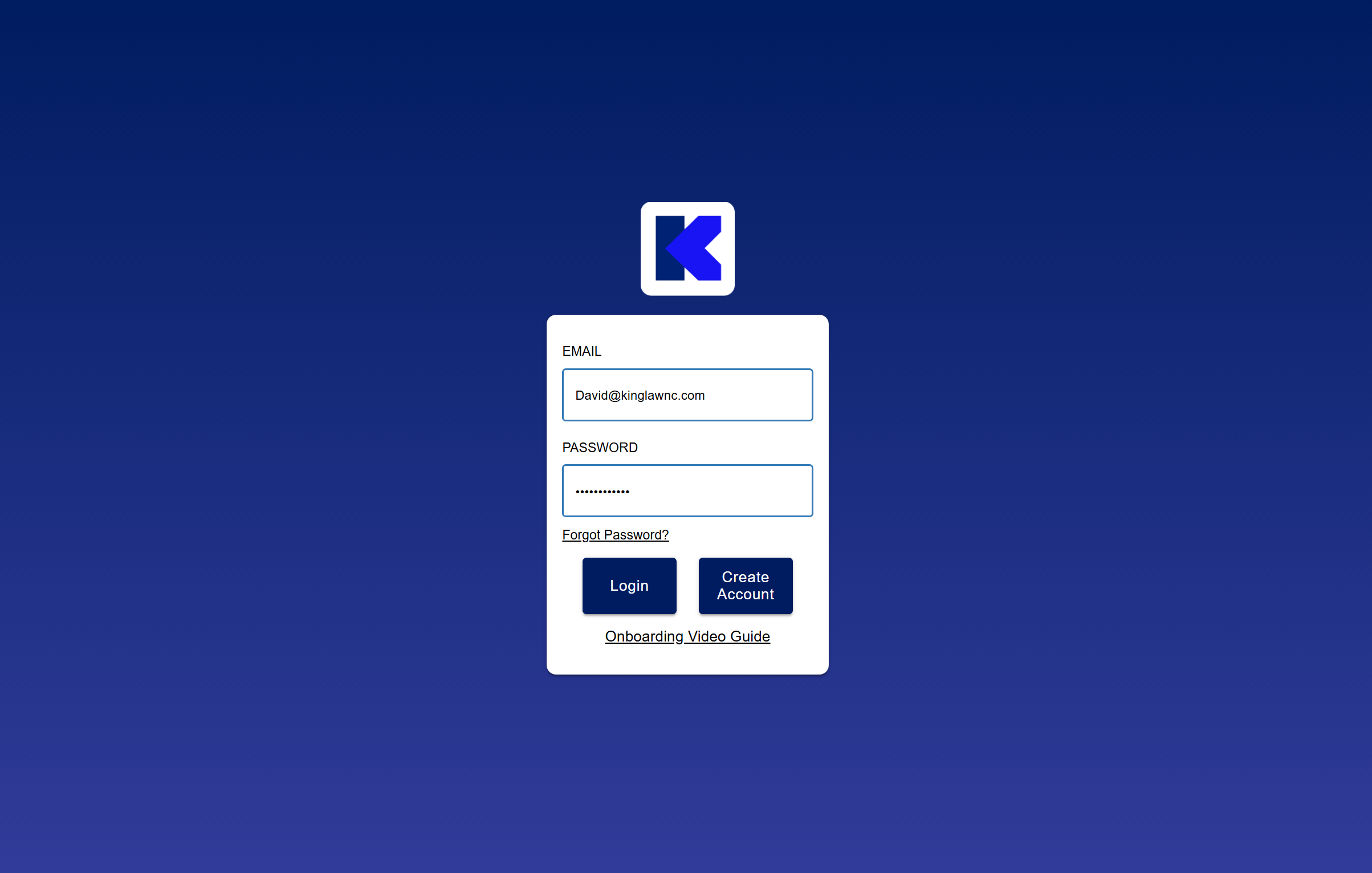
It just keeps previewing the same version and does not implement literally any change I make. It’s stuck and I can no longer make any changes that will actually be reflected in preview.
-David
I don’t know if it’s related, but all email across the app is down as well.
Hello David King,
Could you please provide your App ID and let us know on which page(s) this issue occurs?
Even better, if possible, could you provide a test page with minimal logic that reproduces the issue? This would allow us to safely investigate the problem without affecting the functionality of your main application.
Regards,
Alexander
App ID: 33ECD666-2D72-4A69-B84B-AF9042E95A63
The issue is across the entire app, every page.
I created a page called “Test” with a button that sends me a test email.
The new page is shown in preview, but any changes I make to the page aren’t reflected.
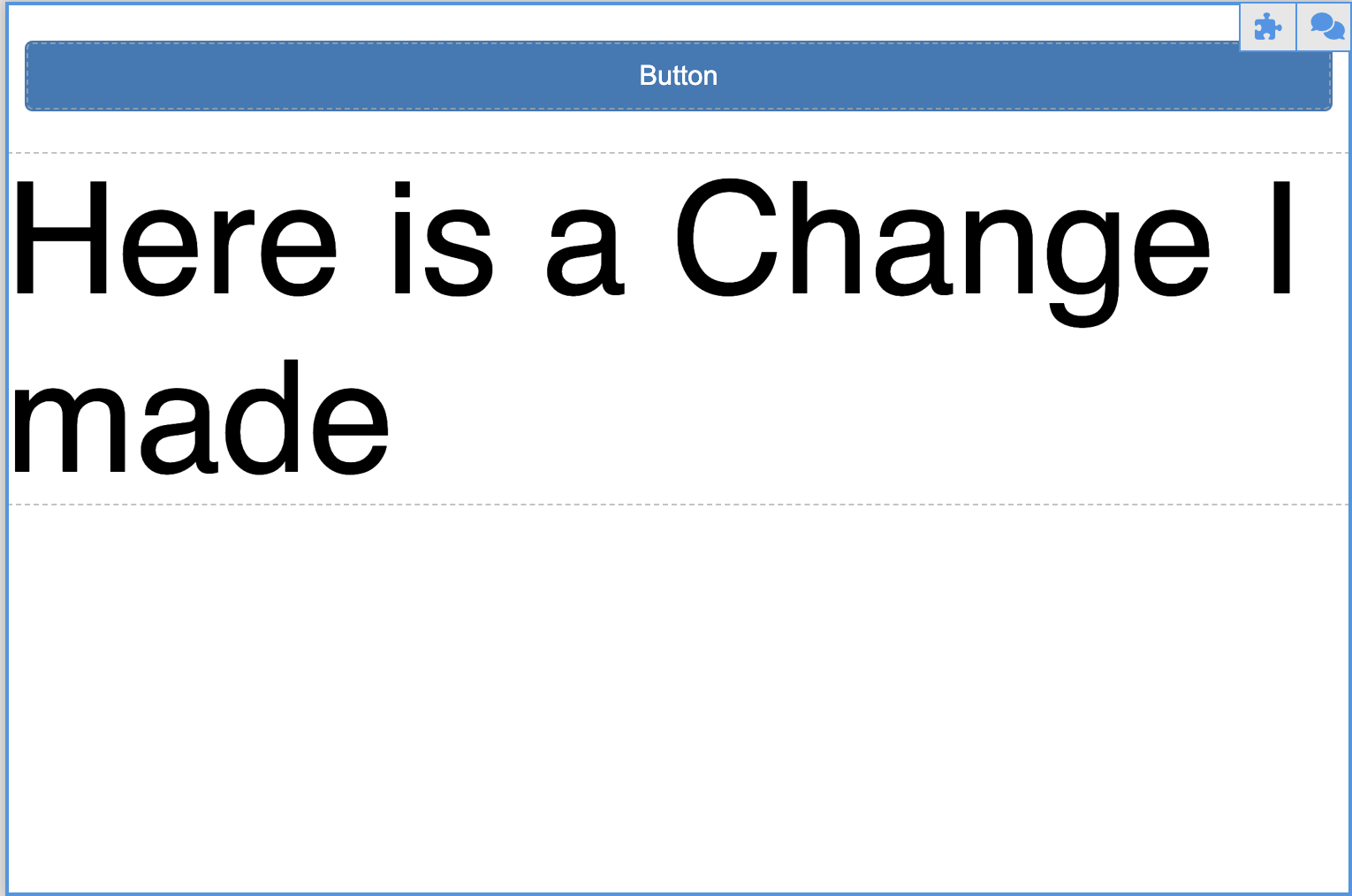
Here is a change I made
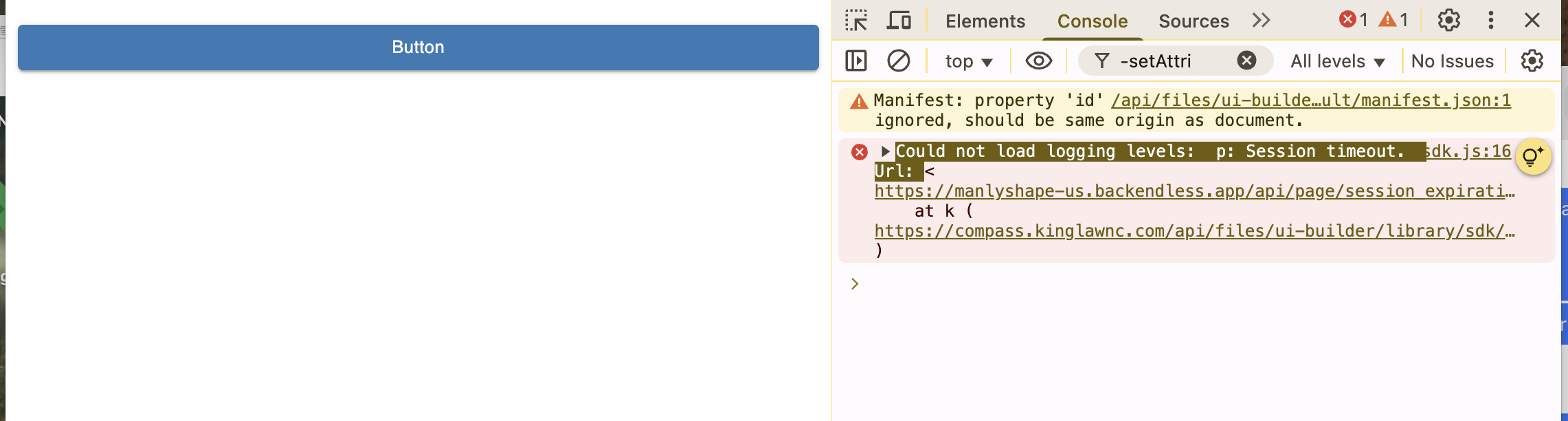
But here is what Preview Shows
Thank you for the information.
We’re looking into what might be causing the issue and will update you in this thread as soon as we have any news.
Regards,
Alexander
This issue is most likely related to cache control settings.
I would suggest trying to either remove it or reduce the cache duration to see if that resolves the problem.
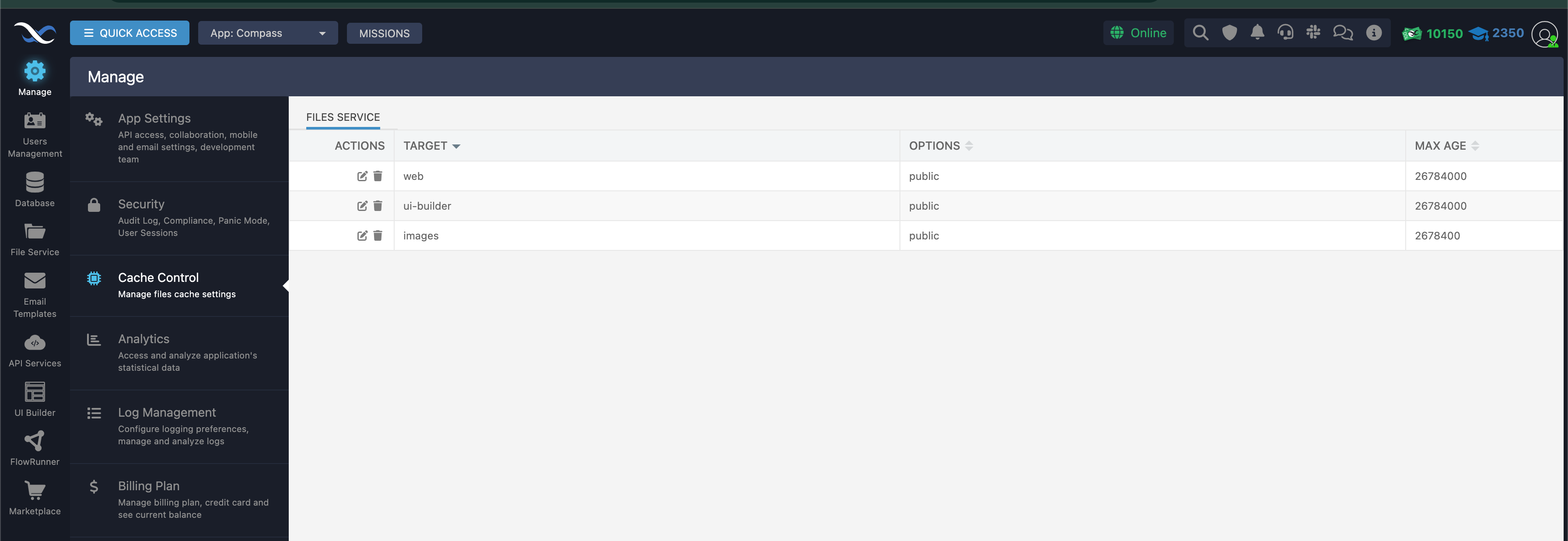
Regards,
Alexander
Hi. I deleted all of the cache control, but that didn’t seem to resolve the issue. I also purged the cache on Fastly. No luck though. I tried clearing the email settings (since email crashed app-wide around the same time due to my SendGrid trial expiring), but that didn’t help either.
I ended up restoring a backup and re-doing my most recent work on the app. Not sure what was causing the issue, but restoring from backup fixed it.