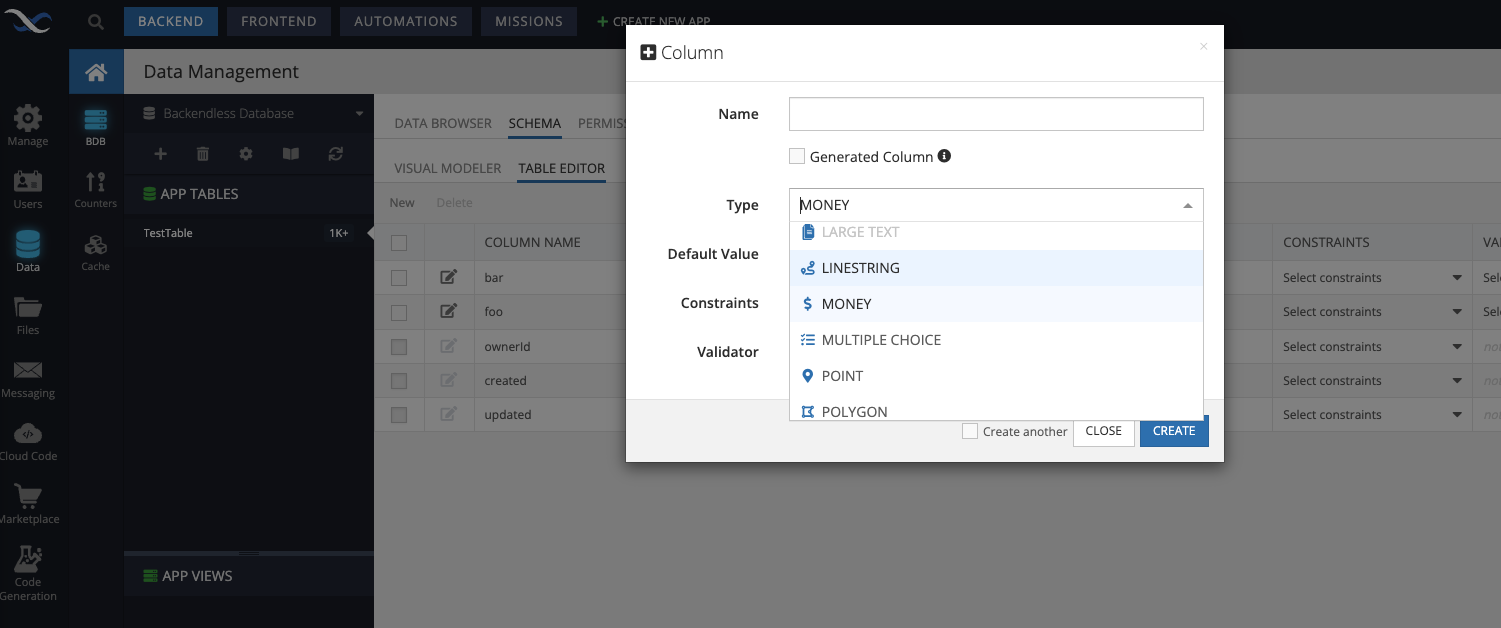
Good Day,
I am currently working on an invoicing section and I would like to know how can I change all numbers on my app to have two decimal places. When working with money I find it better to show the two decimal places even if there is no cents, for example “100.00” is better than “100”
Kind Regards
Donovan
Good Day @sergey.kuk
Thank you for your answer.
I have changed the data type to money, but when I display the amount into a text component it does not display the cents. I also had a look and it does not show the cents in the backend, I added “.00” manually in the backend data tables and the zeros are automatically removed by Backendless.
Also before an invoice is saved most values like “expenses” (items added to the invoice) will be saved in an array, the array is then shown in a repeating table.
Kind Regards
Hello @Donovan_Hardwick
Actually, the Money data type is not able to add zeros at the end of the number, since it is still Number data type and both server and client recognize the following number 123.00 as 123
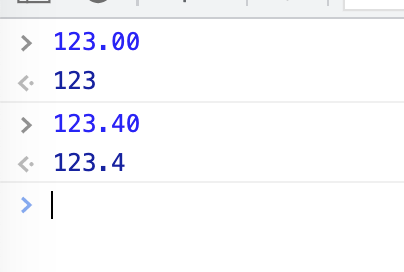
In order to solve your issue, you need to transform the number value to a string and add additional zeros, you can do it:
- on the client, in the place where you display it
- on the server, in an afterFind EventHandler in your CloudCode
Regards, Vlad
Hi @vladimir-upirov
I have tried to do this where I change the number to string and add zeros but I am having a couple problems with this and was hoping you could assist.
So I am stuck with the logic to check if the number needs two zeros or one zero, for example if the number is 124 then two zeros will have to be added to make it 124.00 and if the number is 67.7 then only one zero will have to be added to make it 67.70, also if the number is 456.66 then no zeros must be added.
Kind Regards
Donovan
Hello @Donovan_Hardwick,
I can suggest parsing the money string to dollar and cents (splitting by dot) and adding cent checks manually.
E.g. if the length of the cents part of the string has one character - add zero at the end, if two - don’t add anything.
Regards,
Olha