Hi
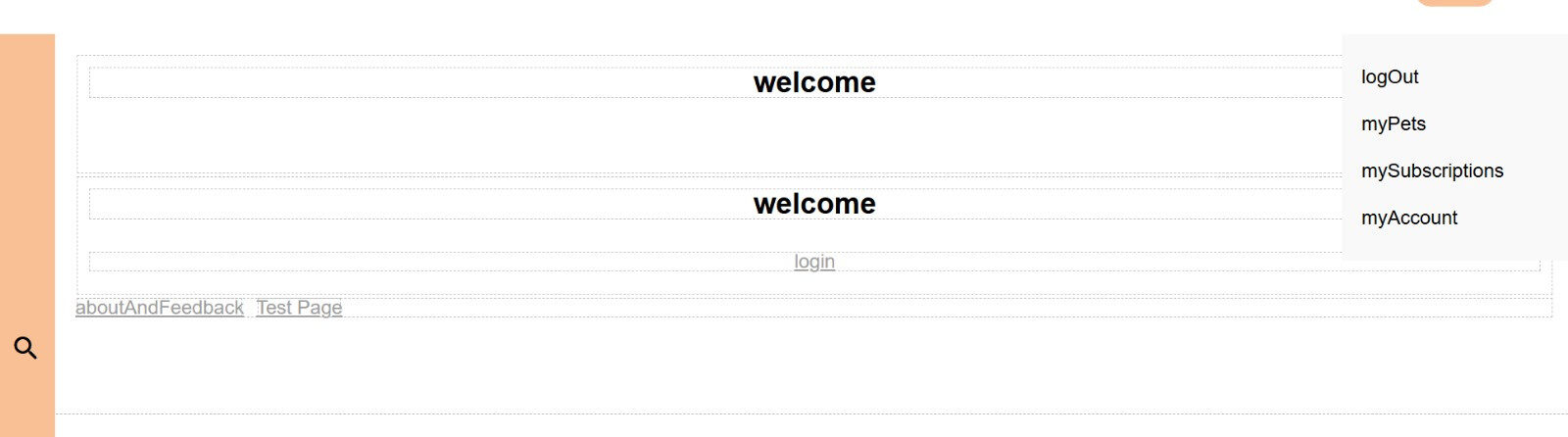
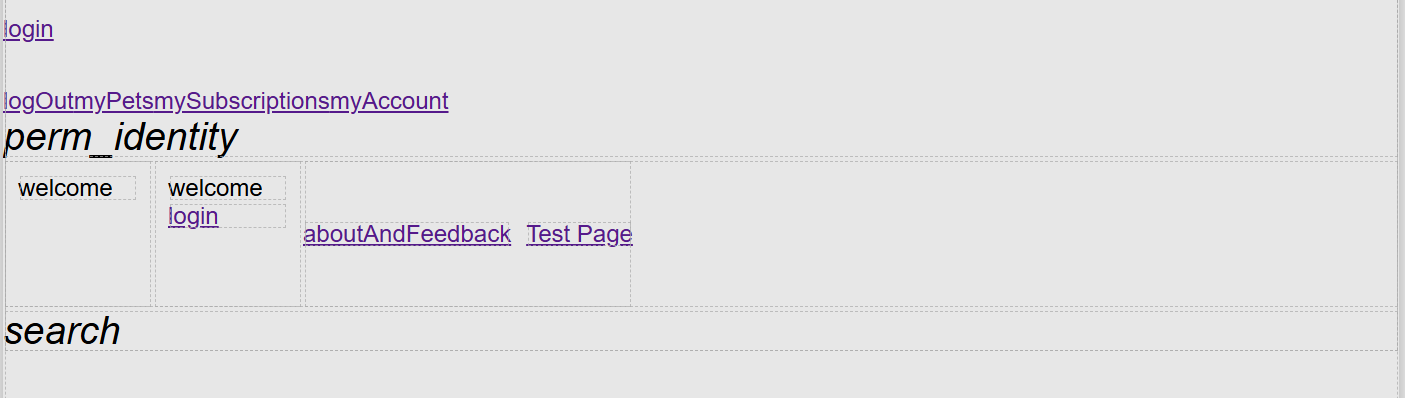
This is how my UI Interface has always looked like. The owner of this project has totally different layout on this site with great visuals and it looks more like the actual page. Why does mine look like this?
Hi
This is how my UI Interface has always looked like. The owner of this project has totally different layout on this site with great visuals and it looks more like the actual page. Why does mine look like this?
Hello @Roosa_Parkkola
Welcome to our community and thank you for trying out Backendless.
It’s not entirely clear what specific issue you’re referring to.
From your screenshot, it looks like the page is rendered without styling (CSS), but to better understand the problem we need more details.
Could you please clarify:
Also, please check if your browser console shows any errors (especially related to missing CSS/JS files).
With more specific details, we’ll be able to help you faster 
Regards,
Volodymyr
Hi
I am the owner referred to  The same page looks like this in my screen like this.
Style definition works very well in my screen but not in Roosa’s screen and we haven’t got any idea why we have this kind of difference in the same pages. I have the ‘WYSIWYG’ view - Roosa has the elements simply placed one after another on the screen without any styling, just as you mentioned.
This is the development version of the application. We haven’t deployed it yet.
Could this be something about the user rights? I am the owner of the project. Roosa have had limeted permissions:
BR,
Hanna
Hello @Hanna_Parkkola,
this behavior is related to permissions. The developer must have read and write access to the Files Service. Once these permissions are granted, the developer will be able to access the style files.
Regards,
Sergey
Hi. Thank you for your help. Now it works normaly afrer we did some changes in permissions.