Hello @David_King
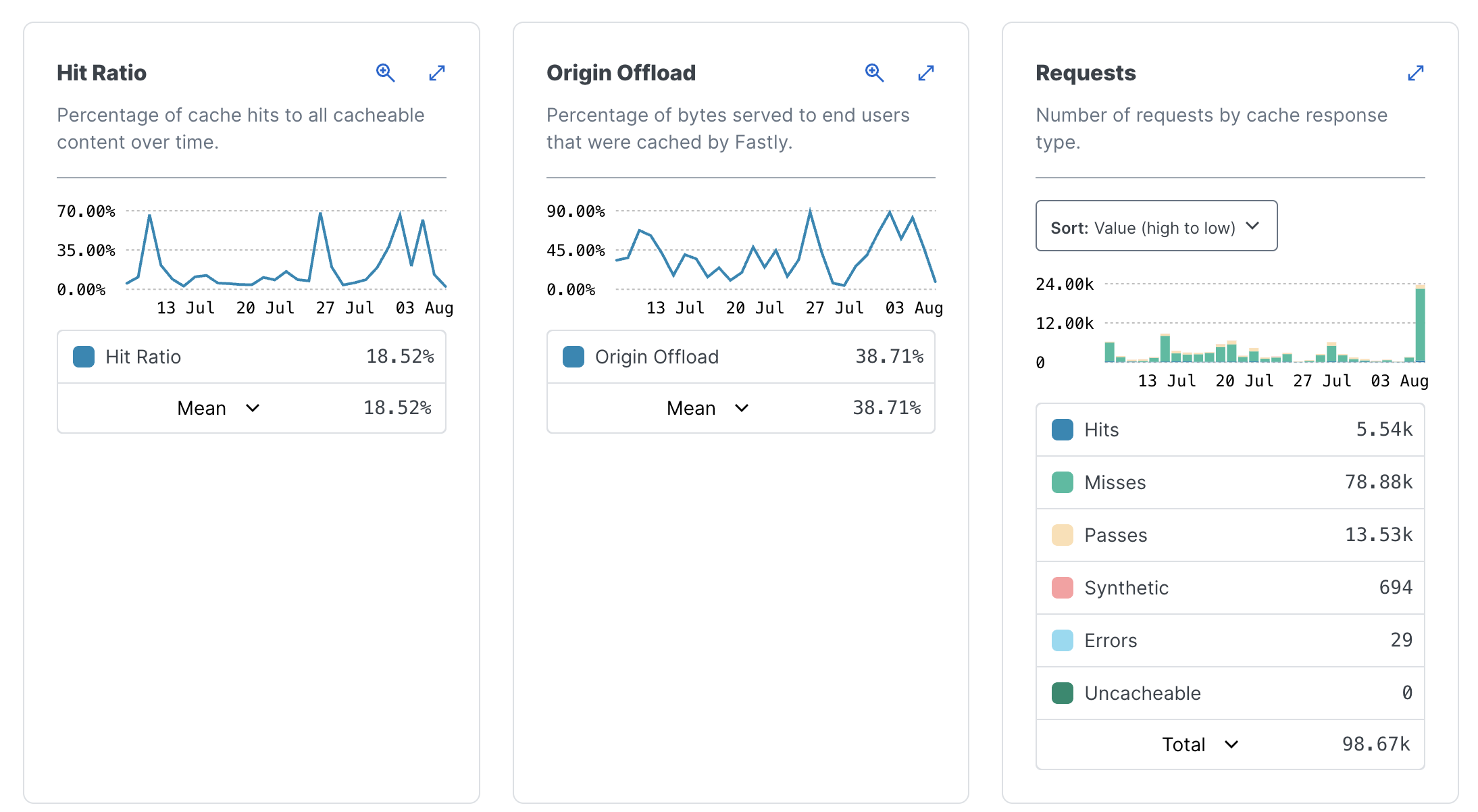
What you’re experiencing is likely due to the file-service API being triggered repeatedly to serve static content (e.g., images, JSON, or other assets) without proper caching and CDN configuration. Even if you’ve already enabled caching, if it’s not set up correctly or not paired with a CDN, the load may still be routed directly to Backendless — causing a spike in API calls and usage fees.
To reduce the number of file-service API calls and avoid unnecessary charges, we highly recommend reviewing and implementing the steps in this guide:
File Cache and CDN Integration Documentation
Here’s what you can do:
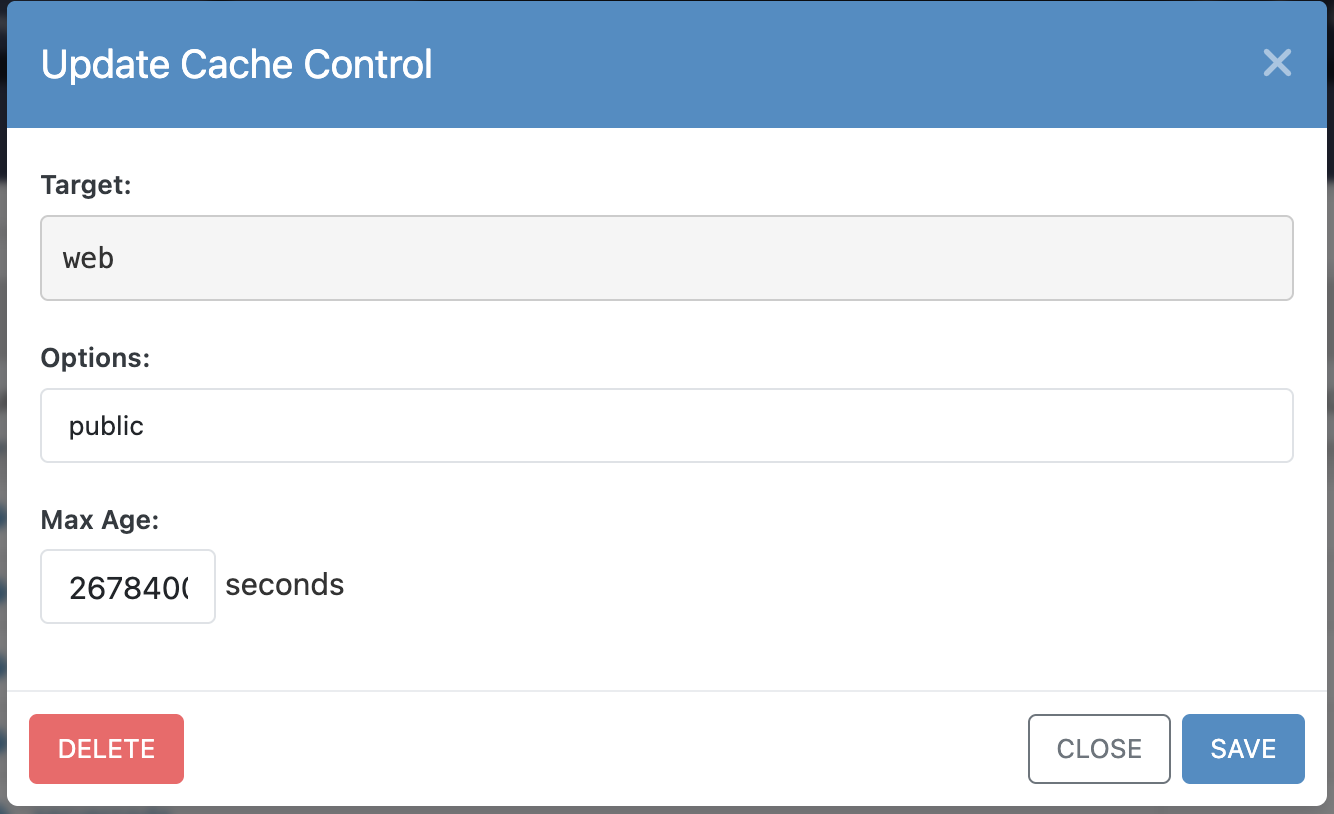
Set Cache-Control headers for your files or folders via the Backendless Console. This allows browsers and CDNs to cache those files instead of re-requesting them from Backendless on every page load.
Integrate a CDN (like Cloudflare, Fastly, etc.):
This allows files to be cached at edge servers and served without hitting the Backendless API every time.
You can integrate with or without Host Override, depending on your setup.
Use long-lived cache settings (max-age, public) for files that don’t change frequently, like icons, static JSON files, or images.
This setup can drastically cut down the number of file-service API calls and improve app performance — making your app more scalable and cost-effective.
If you’ve already configured caching but are still seeing a high volume of API calls, please double-check:
That the Cache-Control headers are applied correctly (especially on folders like /files/assets/),
That the browser and CDN aren’t bypassing the cache,
And that there are no dynamic file-service requests inside repeated components in your UI Builder pages.
We’re happy to walk you through your specific setup if you share more details or screenshots of your cache/CDN configuration.
Let us know how it goes!