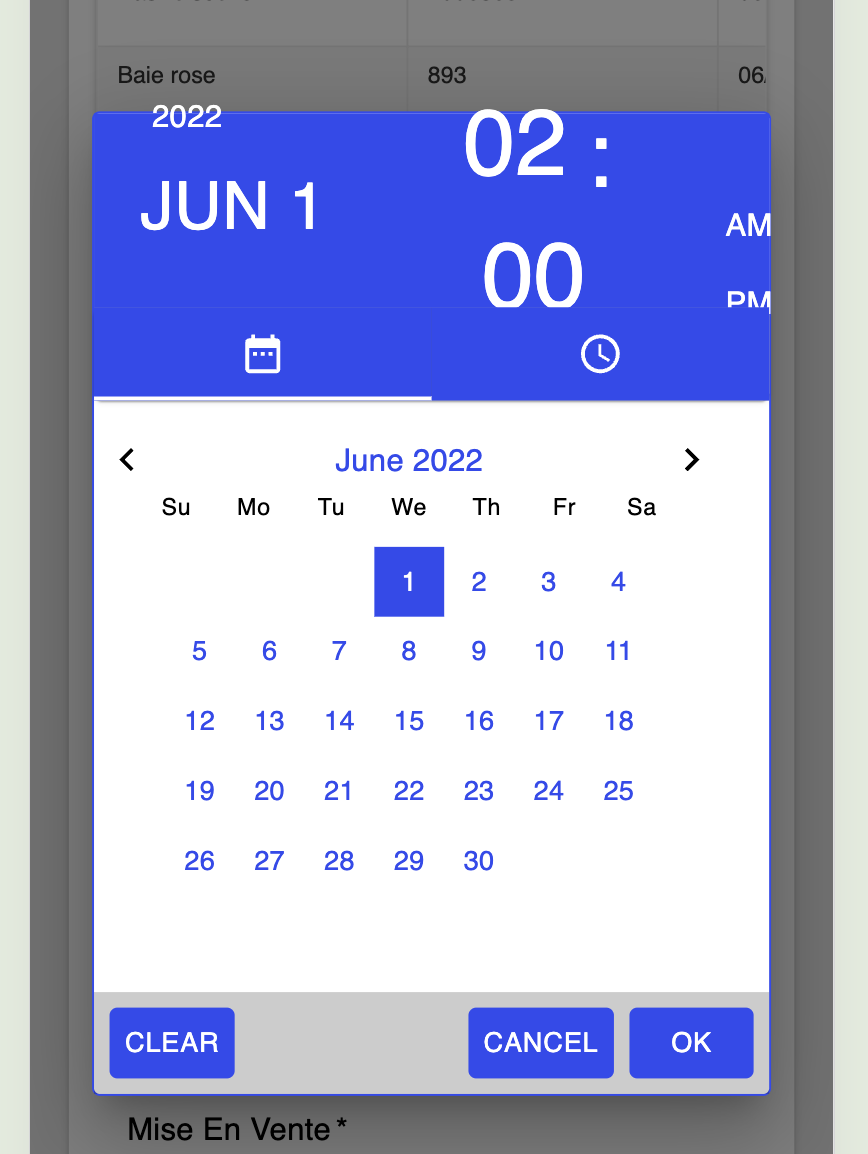
Hi all,
Just wanting to notify that there’s a layout issue with the date picker on mobile screens.
More specifically, this is the component under “form” → “datetime picker”.
This issue is resolved for my own app since I only need a date, so I put the picker mode to “Date only”, so there’s no rush for a solution on my side.
Hi @Maxime_Franchot,
Thanks for reporting this.
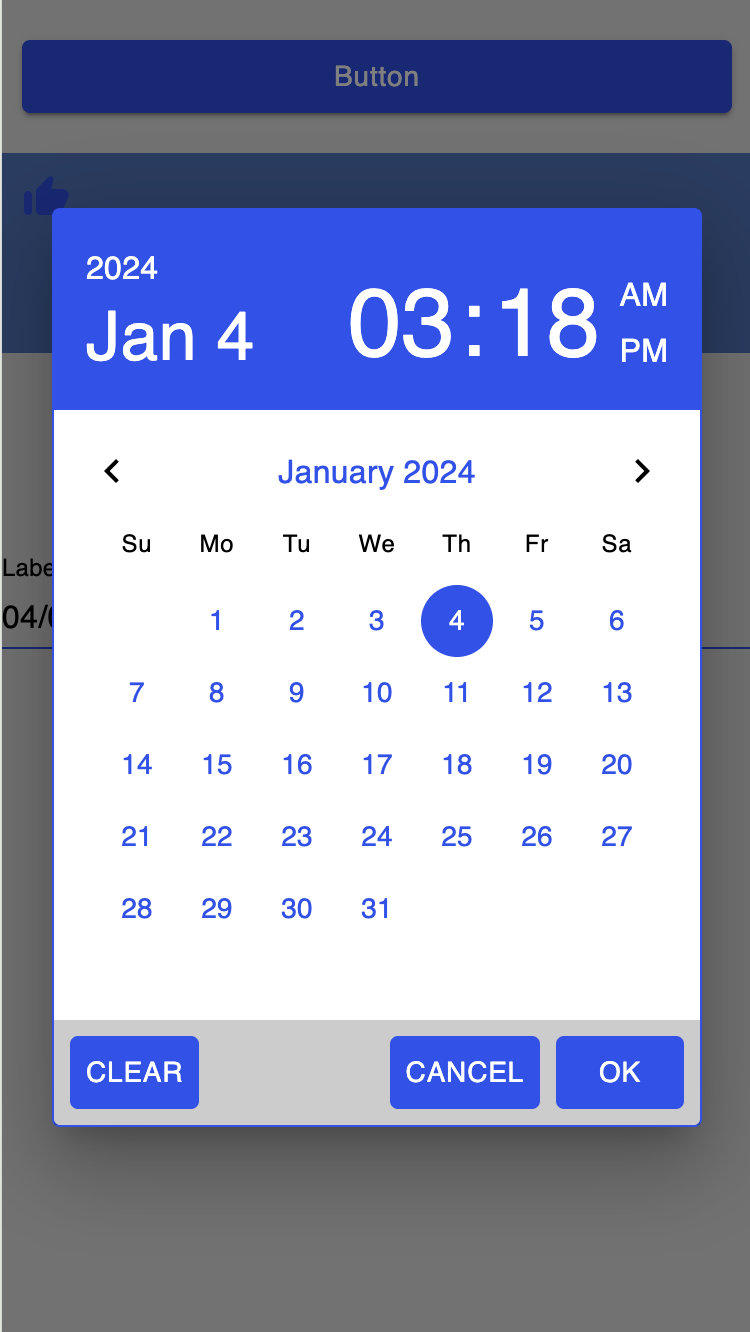
I’ve checked the DateTime Picker on my side, but I wasn’t able to reproduce the issue. I’ve attached a screenshot from my environment for reference.
Could you please also confirm whether any custom or overridden styles are applied to this component?
To verify that this is a component-related issue, we recommend creating a new page with a separate container and adding only the DateTime Picker there. Please test it on the same device.
If the issue still occurs, could you then provide the following details:
- Device model
- OS and version
- screen size
- Browser
This will help us investigate further.
Best regards,
Sergey
Hi Sergey,
I don’t think I have any custom styling. I tried your reproduction steps and the bug no longer appeared. Therefore I don’t have much more to contribute to the issue.
Thank you very much
1 Like