Hi,
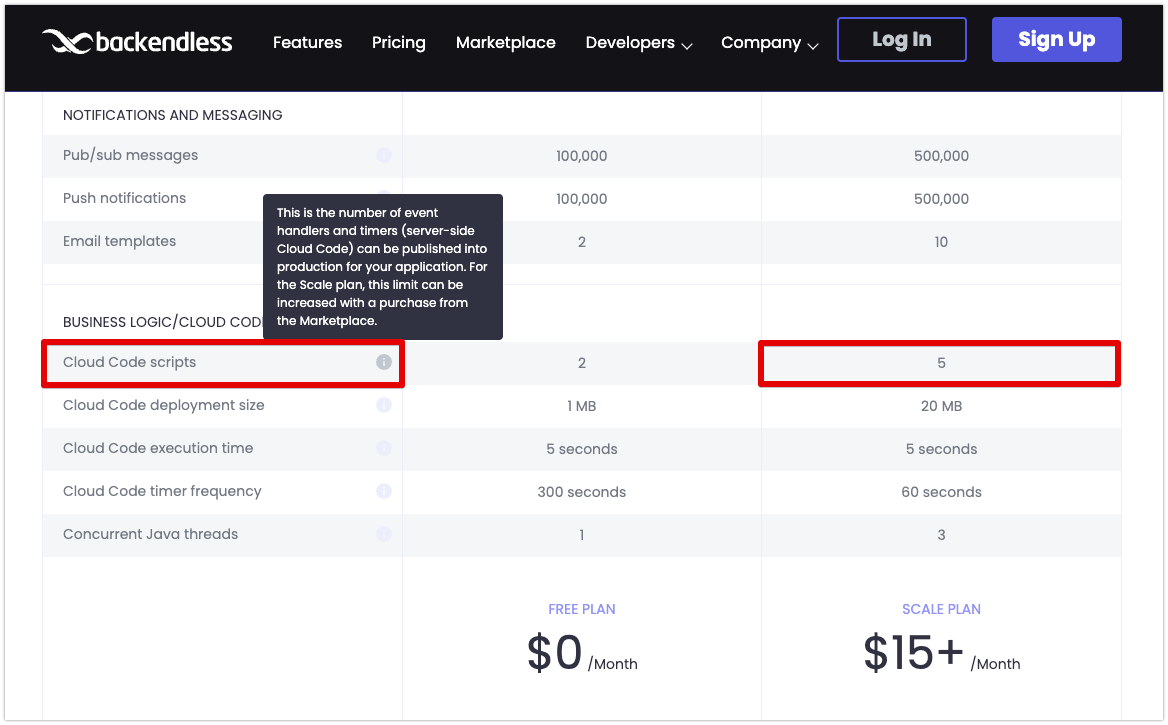
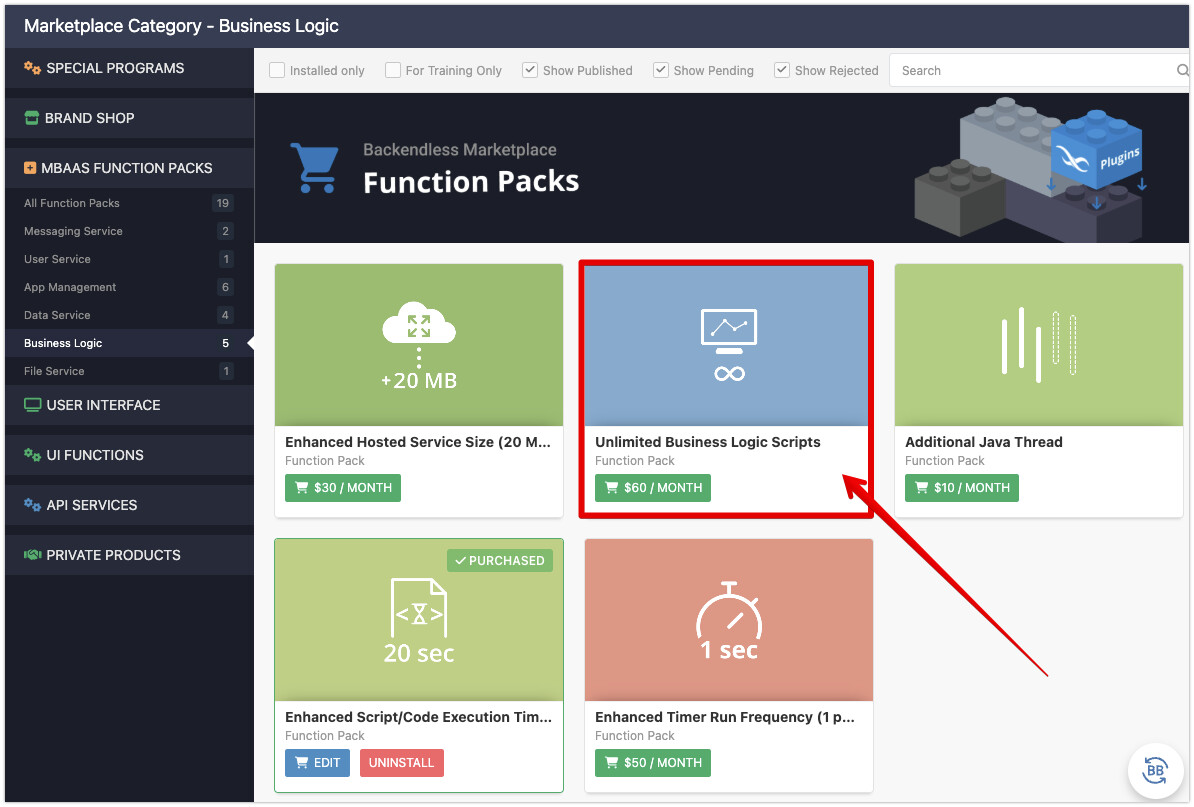
I recently got this message when trying to deploy a new handler:
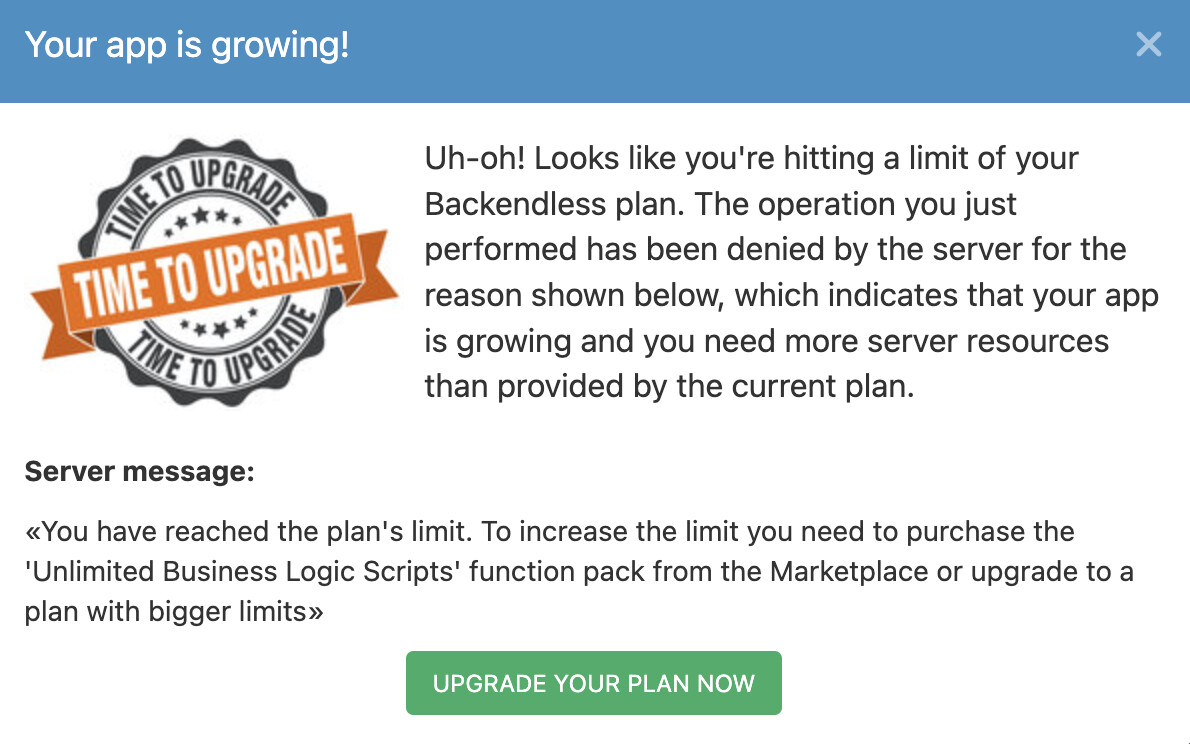
I was trying to deploy a handler for bulk updates for one so, I decided to delete another existing handler along with the bulk update handler to create a findById handler and I’m still getting this message when trying to deploy.
Any suggestions on how to manage the space?
Do I need to delete some table data, log files or more?
It’s NON-PROD so we don’t want to upgrade but just want to know the best way to manage the resources currently allocated.
APP ID: BBC4C8BE-6E60-4361-8559-EC9B388144C4. (In case you’re curious).