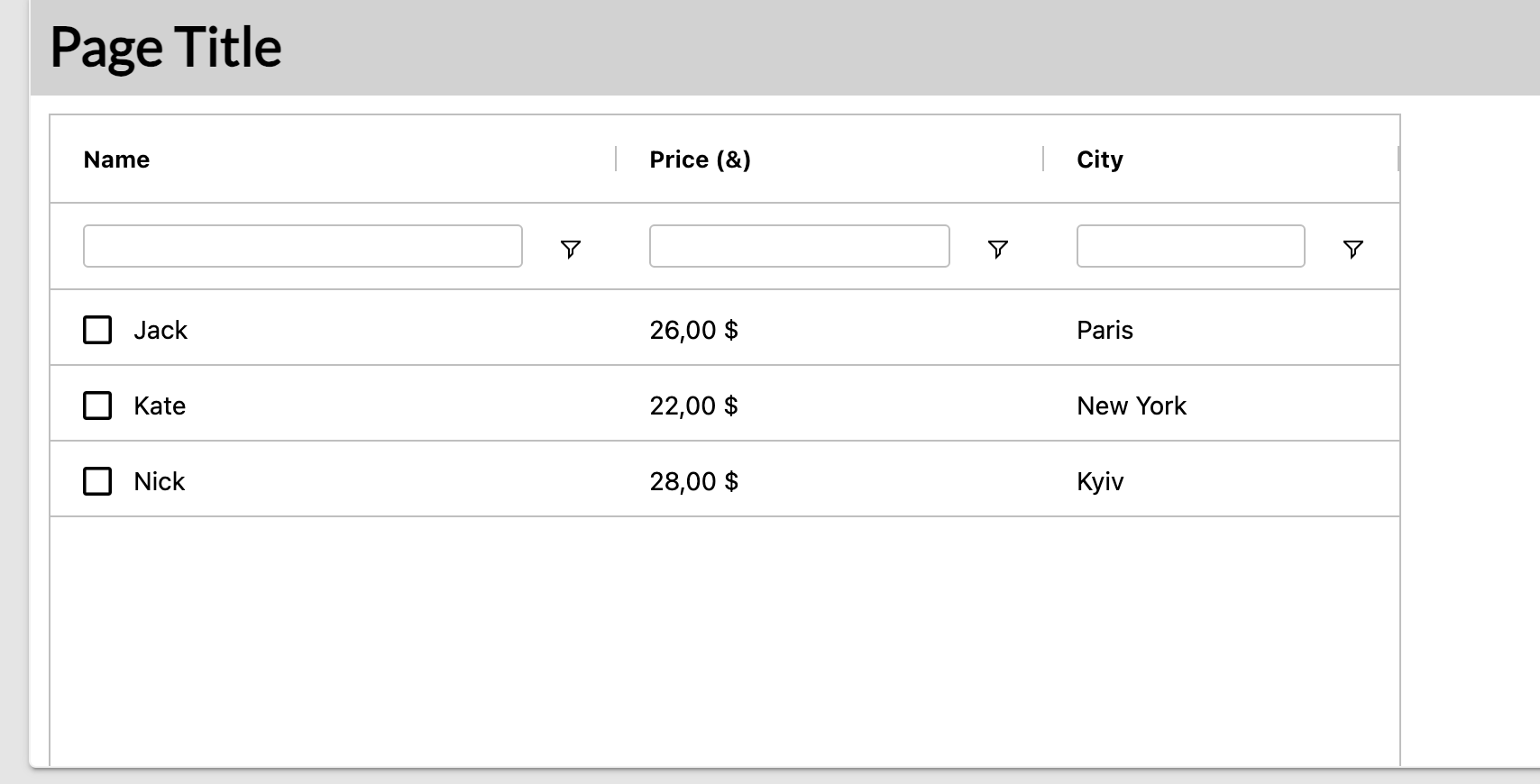
I have a data grid showing USD dollar amounts. The dollar amounts are currently strings because I need to show 73 as 73.00 or 2.7 as 2.70. When sorting the column, the sort is by the string value, not the numeric value, so the sort appears wrong to the user.
I can create a string representation of the value “73.00” and the numeric value 73, but I need the user to be able to interact with the string column on the data grid, but do the actual sort by the numeric value.
Or is there an entirely different way to deal with this?
The Data Grid component uses AG Grid, as mentioned in the documentation.
AG Grid provides a feature called valueFormatter, which allows you to control how values are displayed in the grid.
The ideal solution in your case would be to store the values as numbers and use valueFormatter to display them in the format you want (for example, showing 73.00 or 2.70).
I’ll check with my colleagues to confirm whether this AG Grid formatting option can be used directly in the Backendless Data Grid component.
We’ve checked this, and unfortunately, it won’t work at the moment — some updates to the Data Grid component are required to support this feature.
I’ve created an internal ticket to add the valueFormatter functionality.
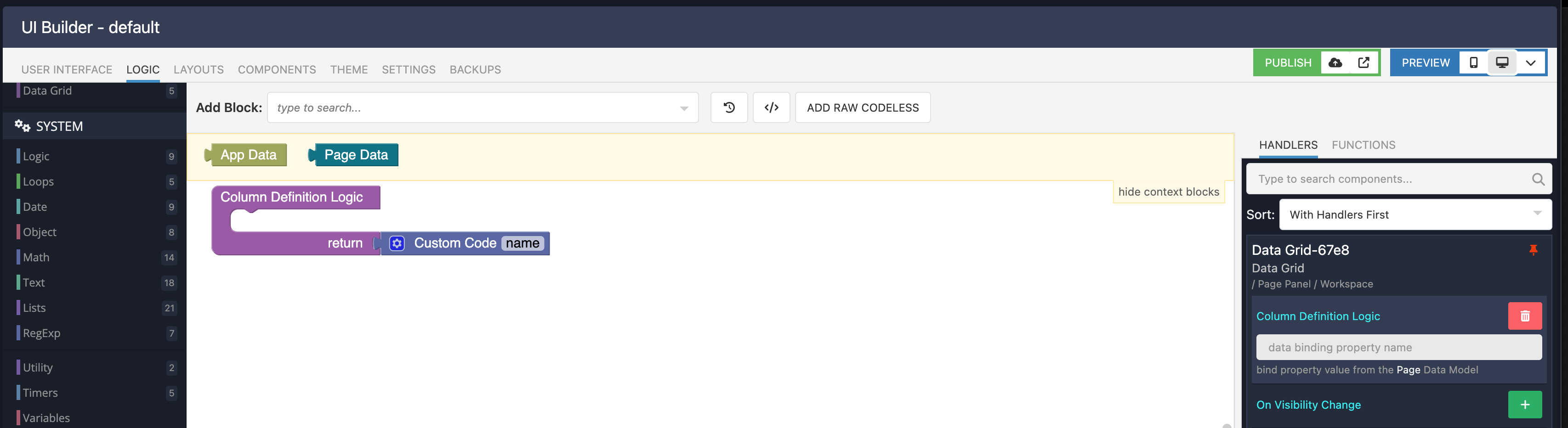
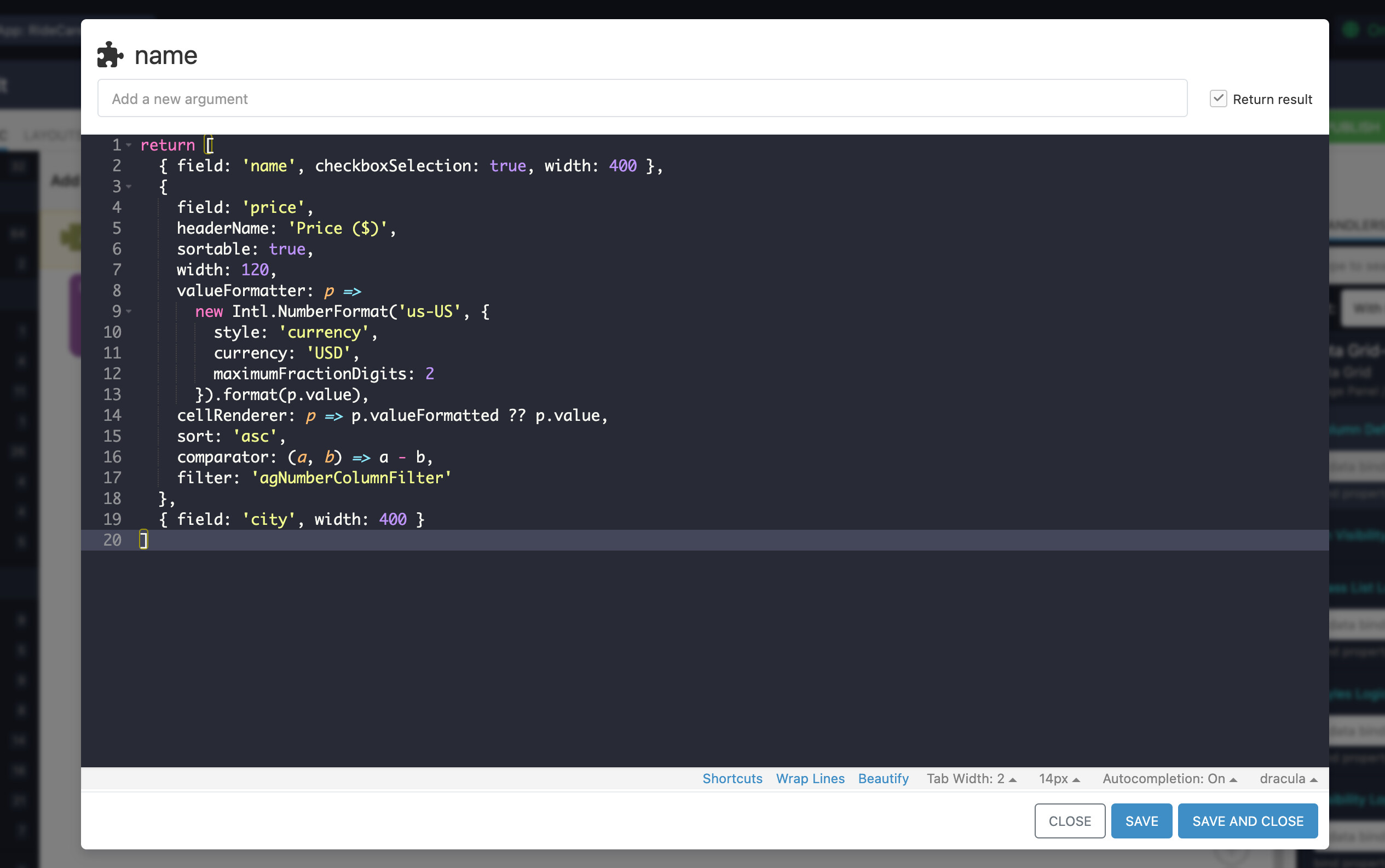
As a workaround you can use a valueFormatter together with a local cellRenderer, and pass both through the Column Definition Logic (in the Custom Code block).