Hi all,
I’m trying to set up a JS-based API service to run a chronjob (once a week execution), similar to this guide: How to Backup Your Data Tables in Backendless | Backendless or How to Create a Cloud Code Timer in Backendless Console | Backendless
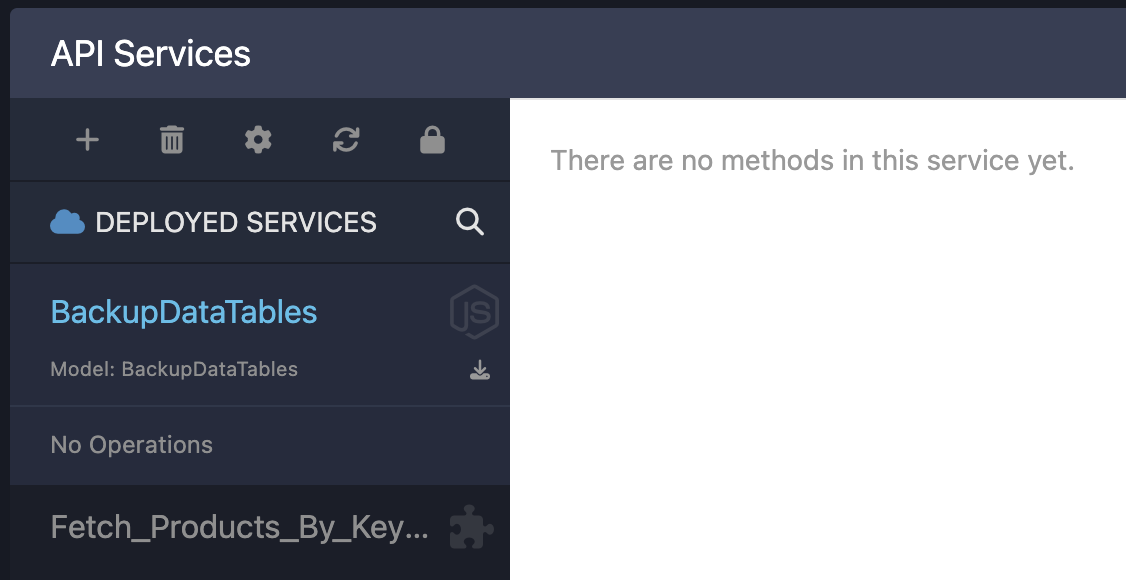
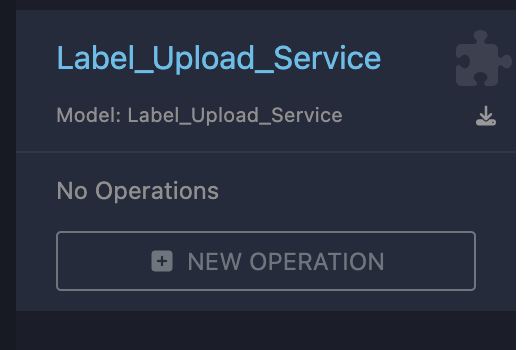
What I’m seeing when I create a new API service with JS is that there is no way to create an operation for the service in JS. Unlike Codeless, where I have a “New Operation” button, with JS I am stuck without being able to do anything.
For comparison:
Hi Maxime,
New operations can be added via a popup only for Codeless services. When you build a JS service, create a service and then using the Coding screen to build and deploy your service:
Regards,
Mark
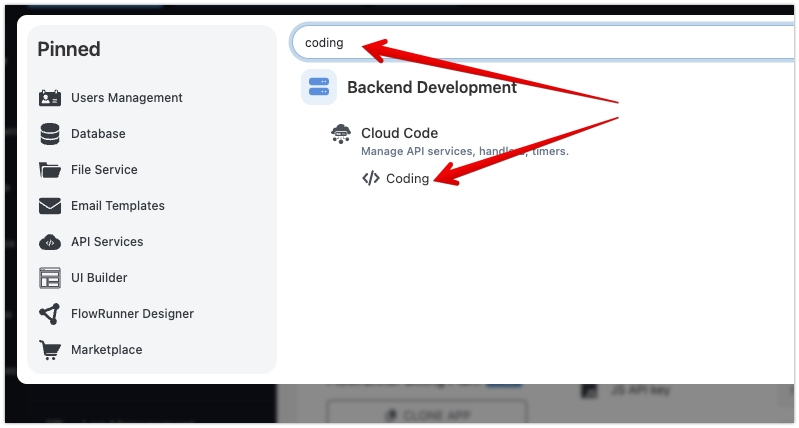
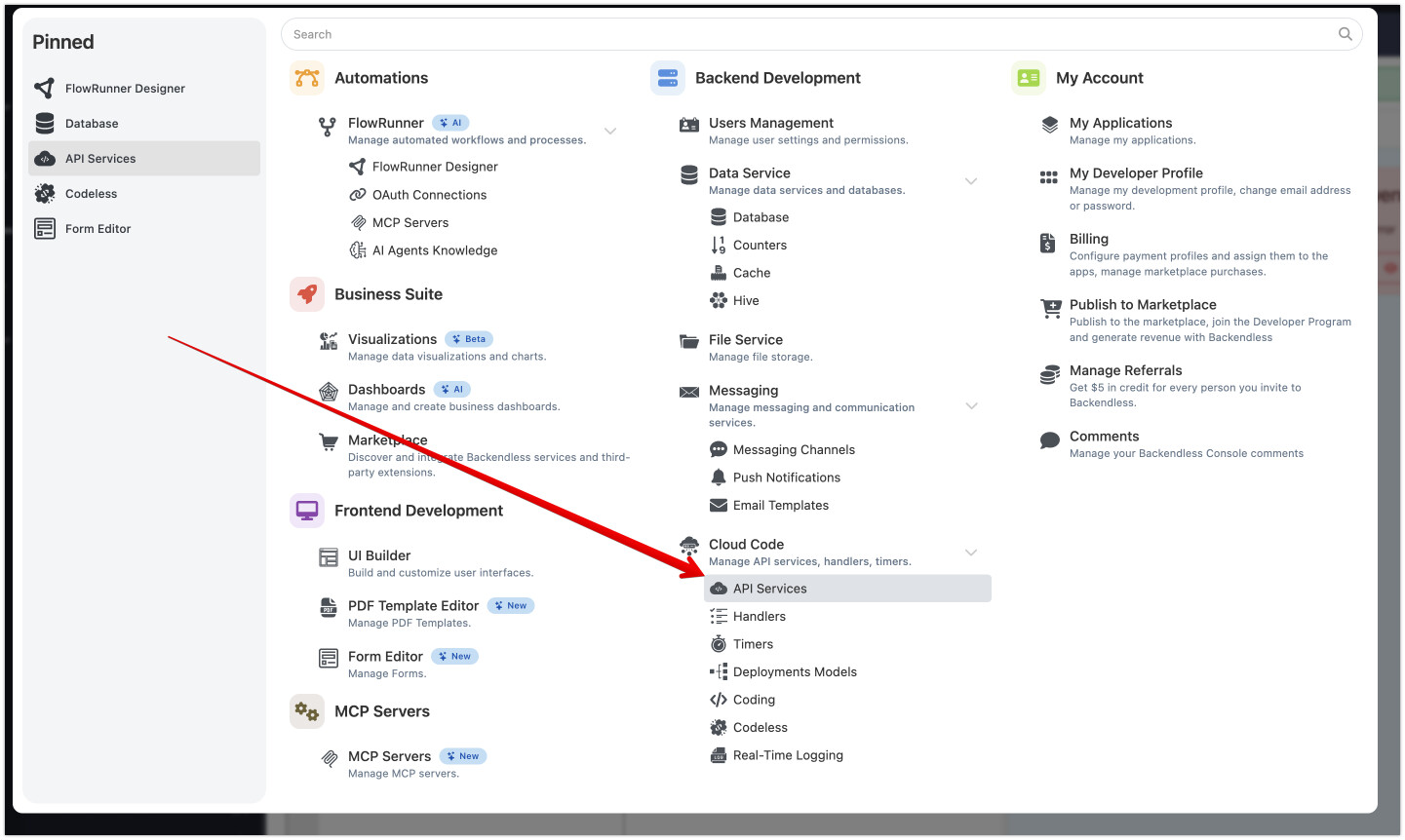
Hi Mark, thank you for your reply. Would you be able to point to how to navigate to “Cloud Code” via the web console?
I managed to reach it via the search navigation, but I feel like I’m missing a UI link to reach it more conveniently. Please advise.
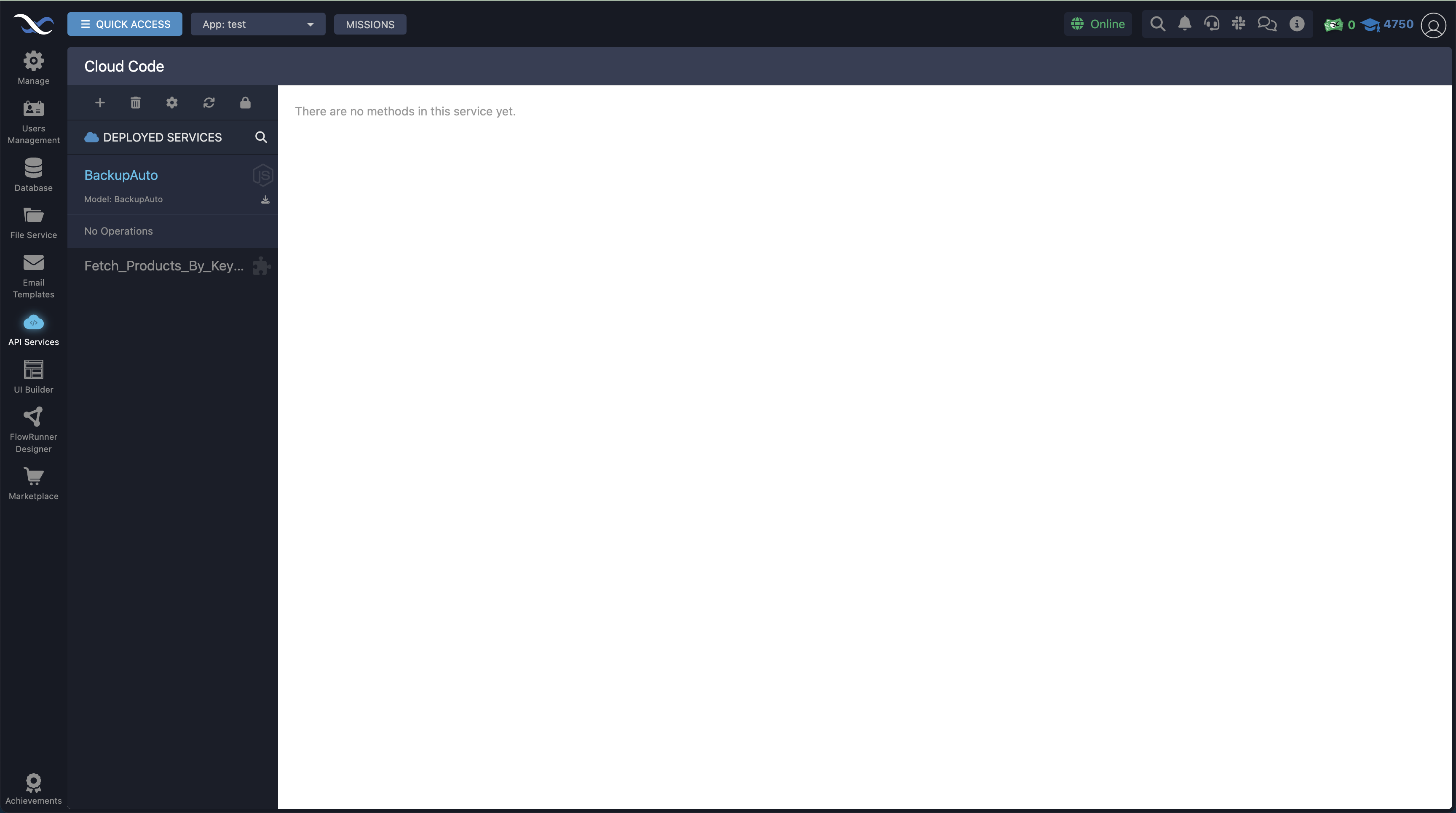
The Cloud Code screen is the same as API Services under QUICK ACCESS:
Great, thank you. I just discovered the “Quick Access” button for the first time