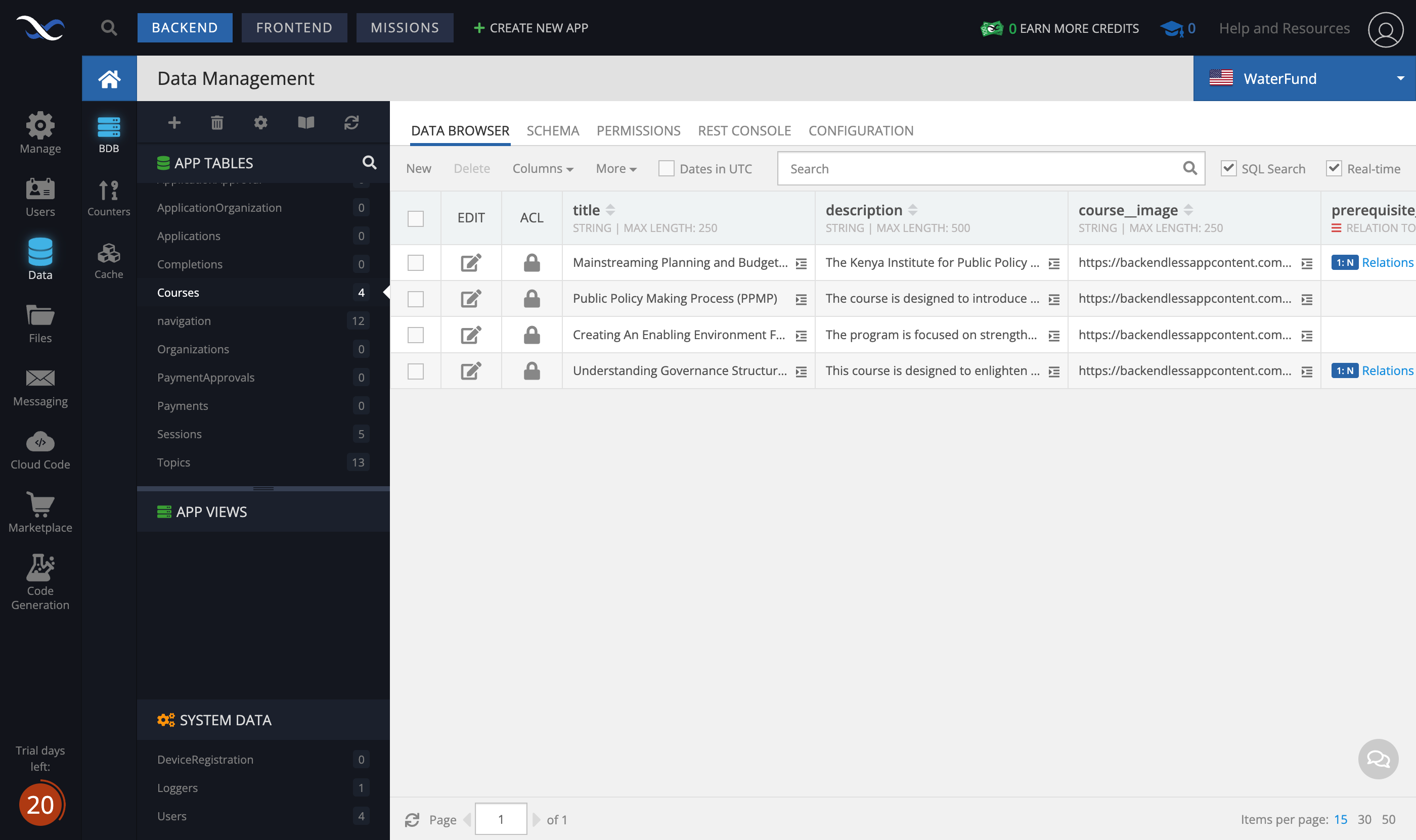
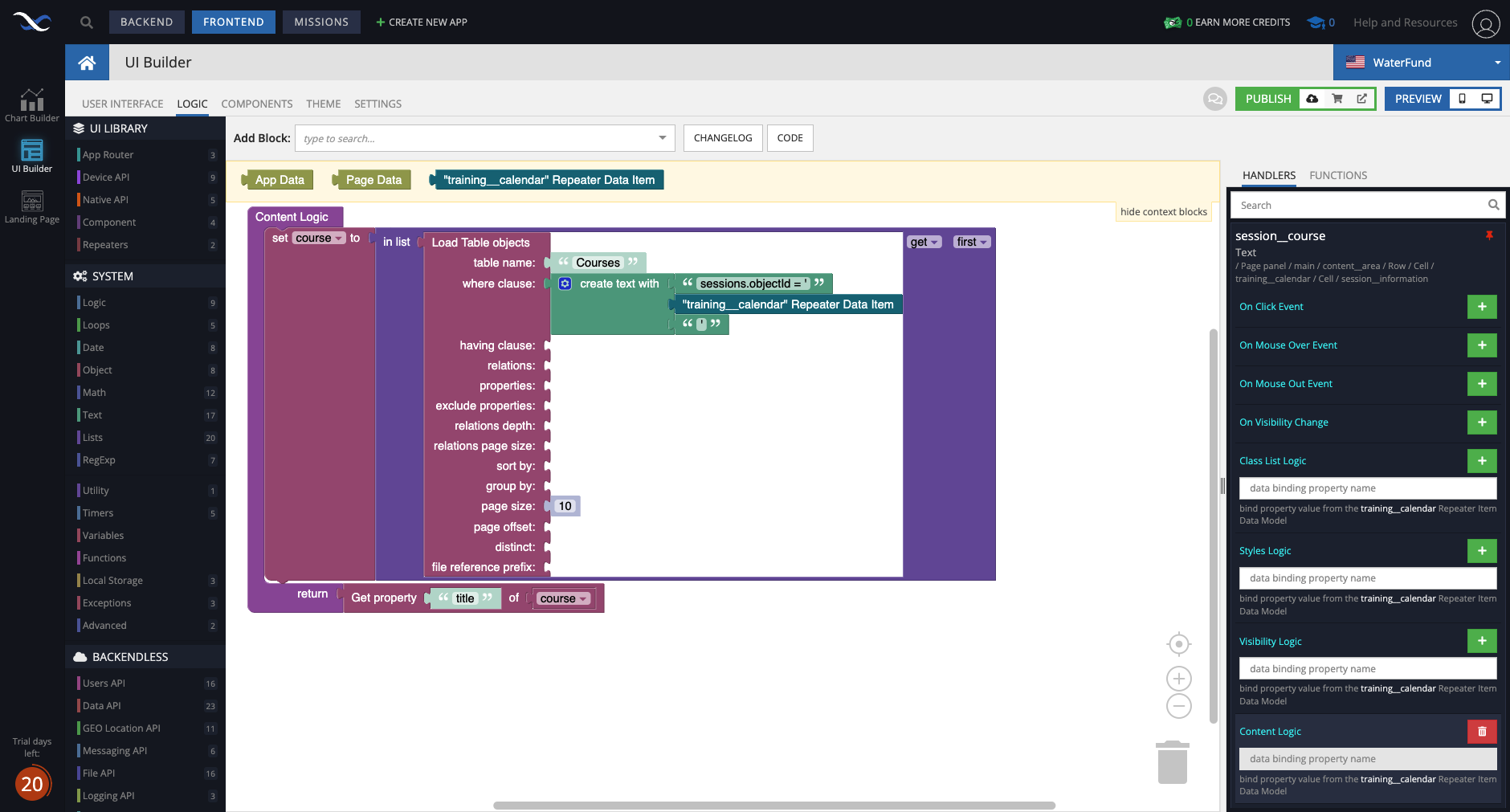
I have two tables ‘Courses’ and ‘Sessions’ one to many relationship with courses as the parent.
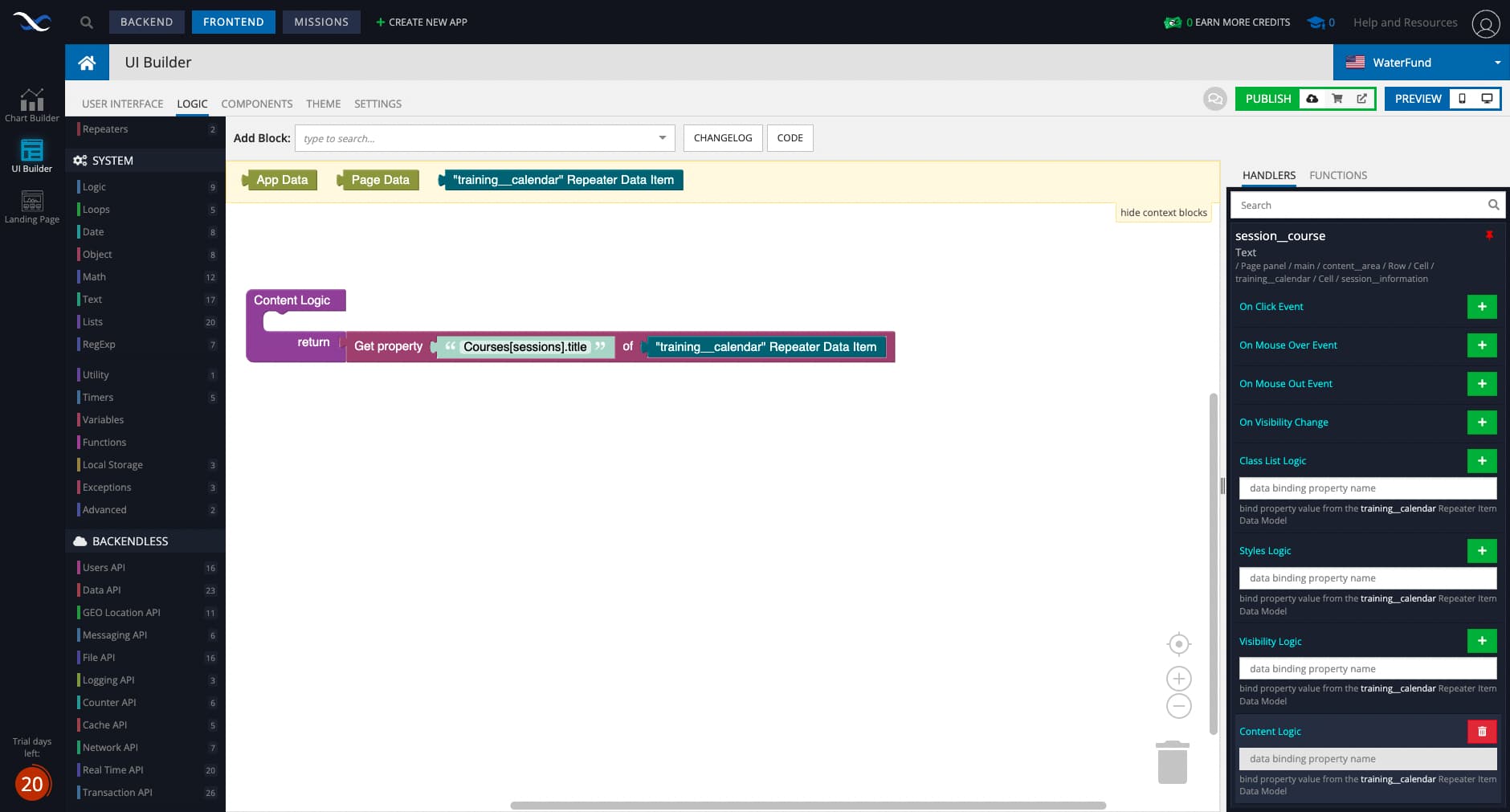
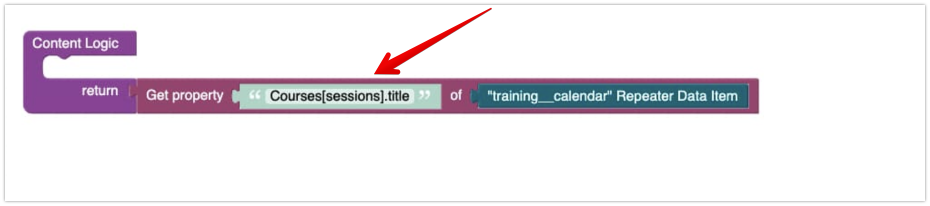
Here is some logic for showing the parent course inside a sessions in a session repeater called ‘training__calendar’
Ths is where the parent course should appear for this session.
But in my frontend the logic isn’t working and I cannot see the course name.
How can I pull the title of the course in the text logic?
The following syntax can be used only in where clause:
When you need to obtain a property, you must specify the actual property name as it is present in the object where you load it from. In the case above, that object is
training__calendar Repeater Data Item.
Where do the objects the repeater has come from? (meaning what table)?
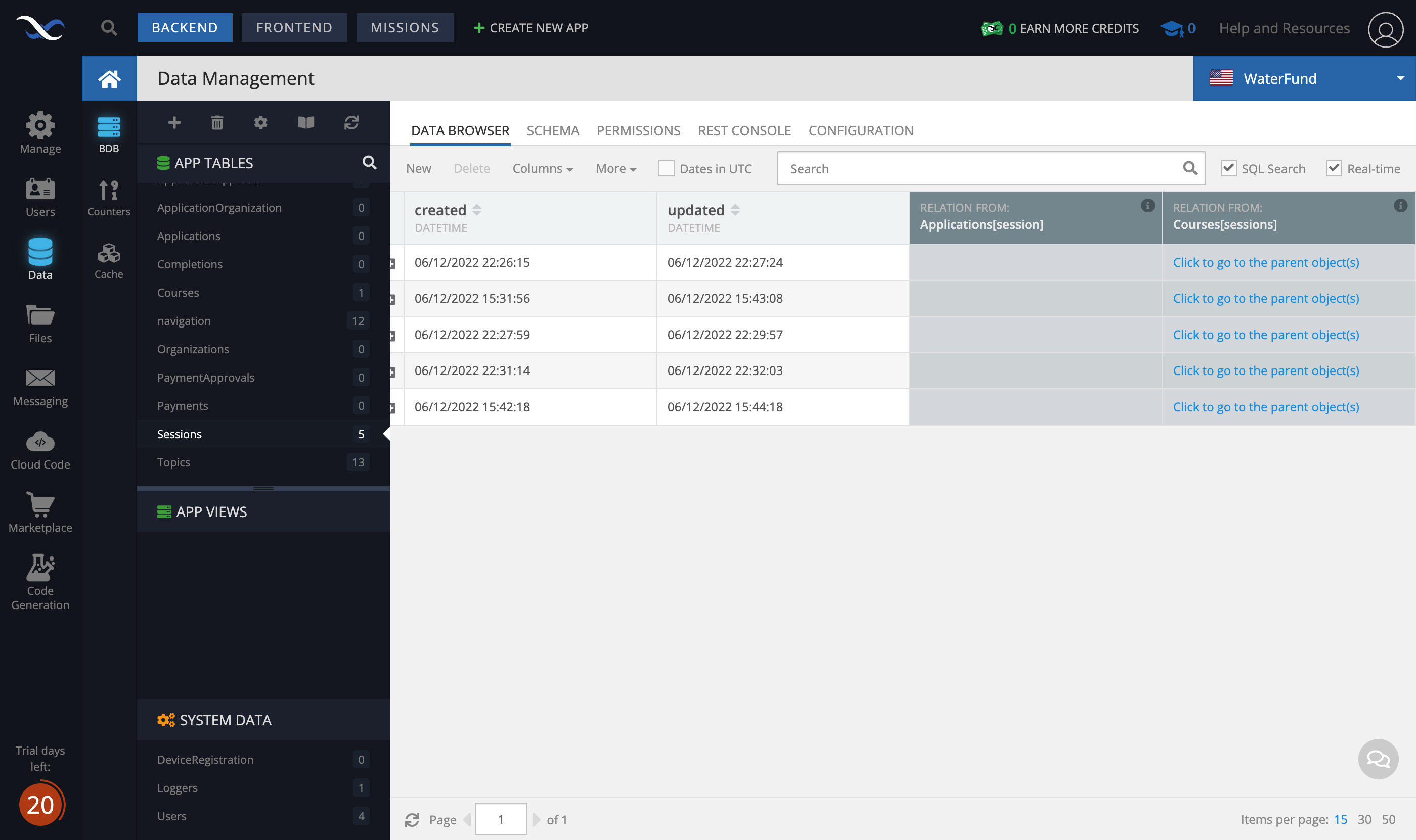
The objects in ‘training__calendar’ are from the ‘Sessions’ table as in the screenshot below:
Herein, there is a reference to a relation with the ‘Courses’ table
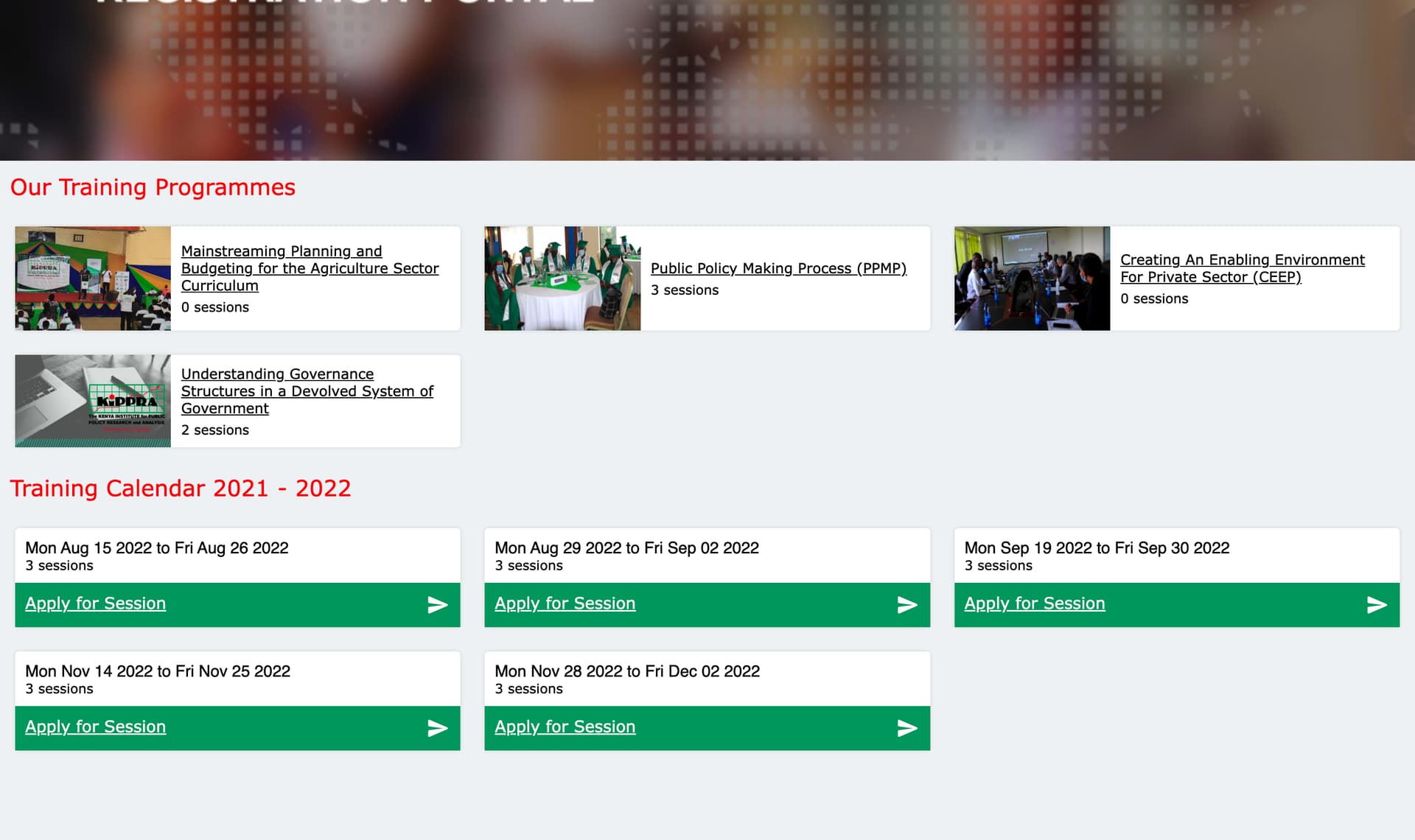
So in the page in my last comment showing the ‘training__calendar’ repeater, I want each session in the repeater to show its parent course.
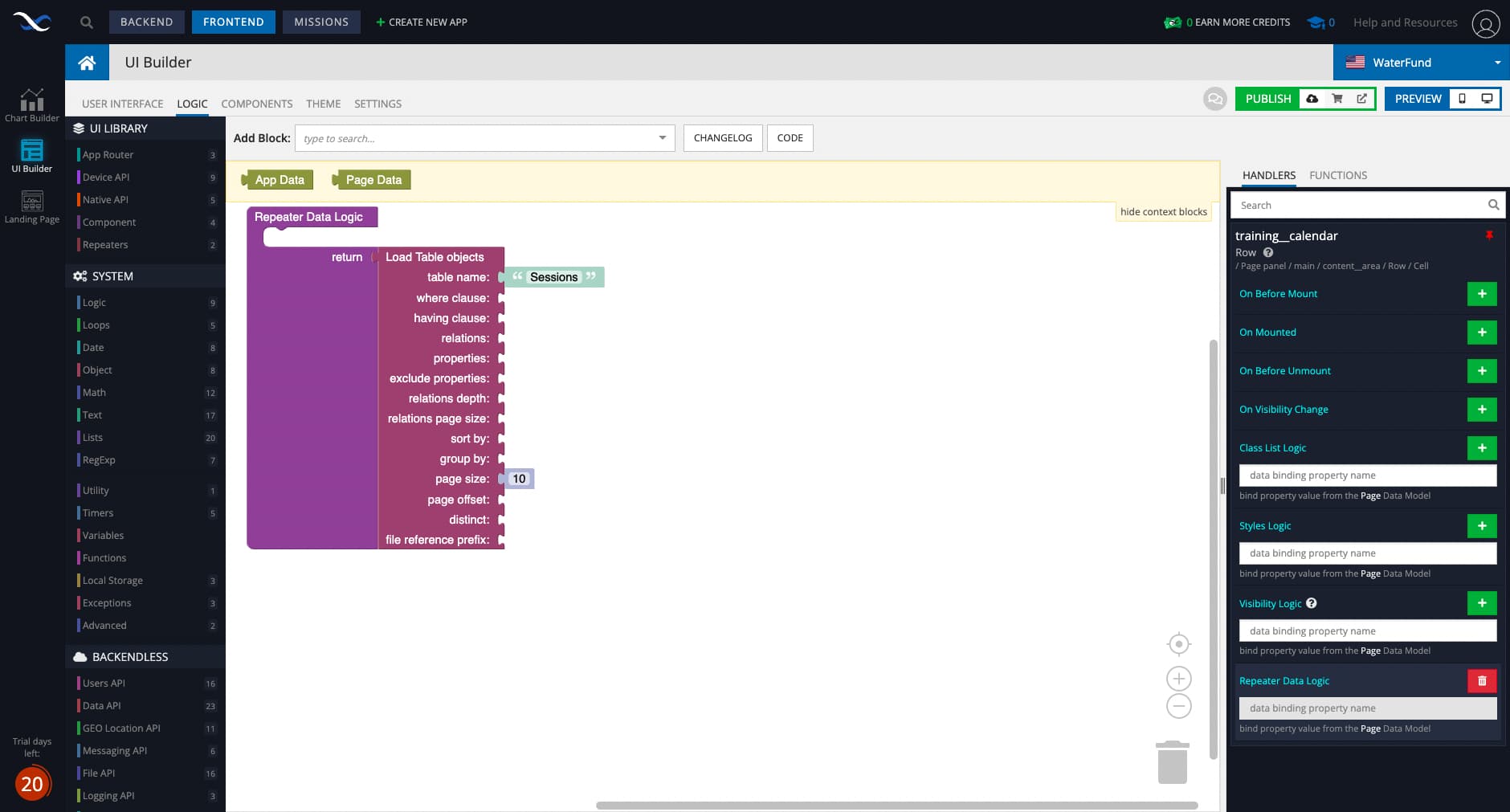
Could you please show the codeless logic that loads data from Sessions for your repeater?
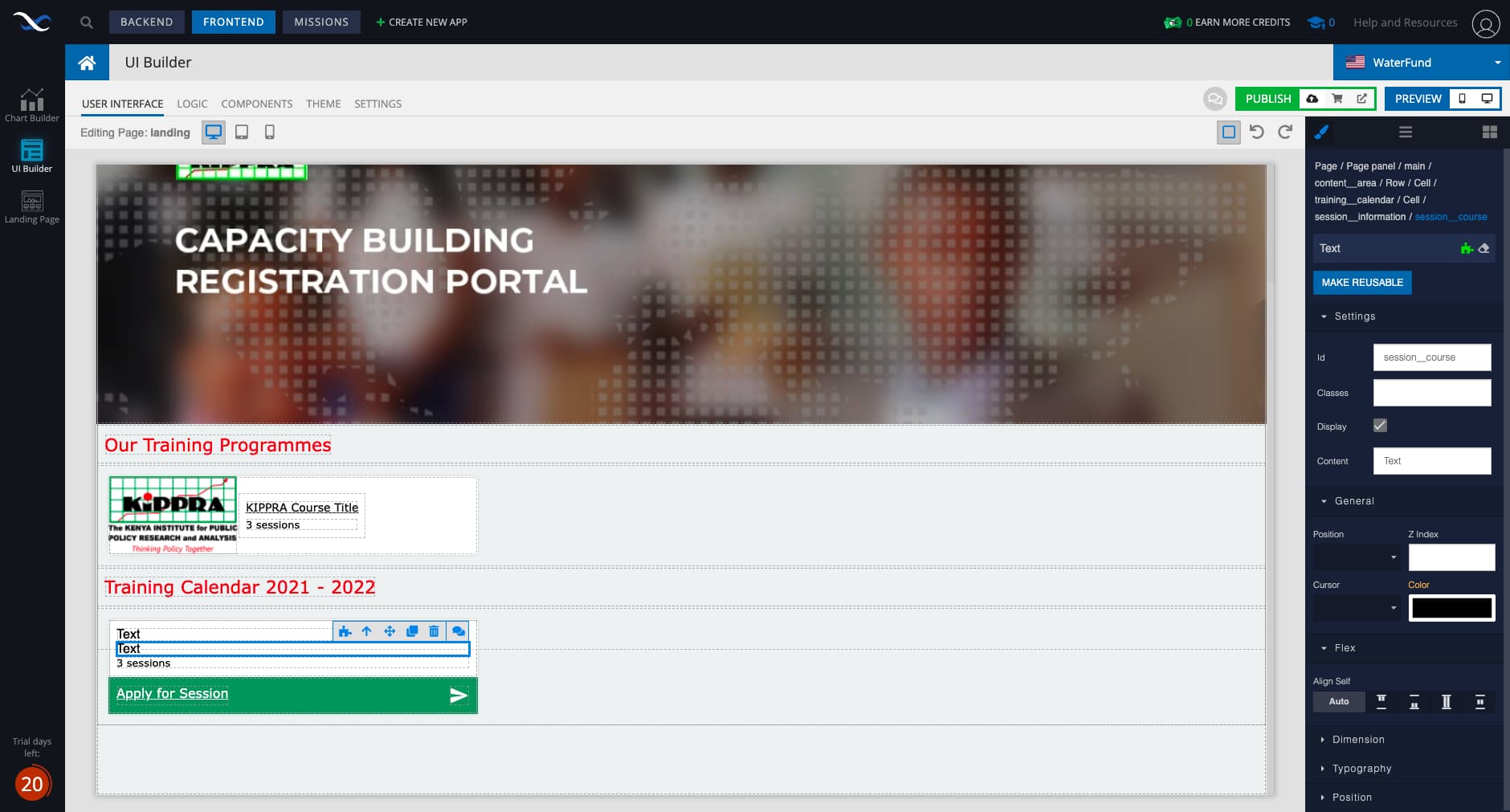
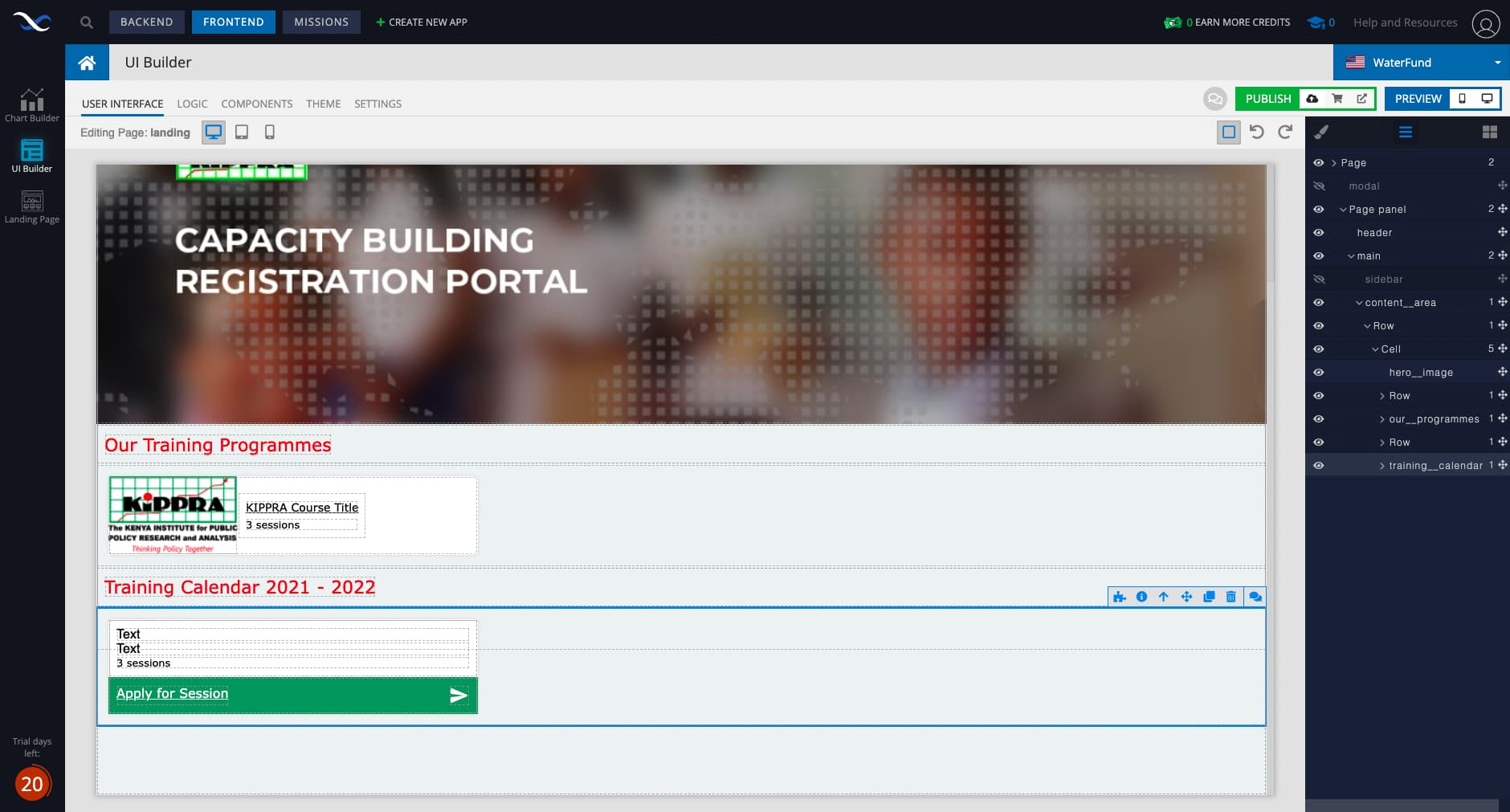
So I have a row ‘training__calendar’ that has the Sessions repeater
Above is the user interface, the highlighted row is the ‘training__calendar’ row.
Therein are text elements. I want the parent course title to show in the second text element from the top.
Above is the logic to show sessions in the repeater
For the ‘session__course’ text i.e the second text from the top in the ‘training__calendar’ single session row, I have the logic herein. This is so that I can show the parent course. I have tried a different approach after your previous comment. I haven’t gotten it to work yet. Please see below.
What you’re doing to get the course title is major overkill. Here’s a much simpler way to get the course title that will be included as a property into each Session object:
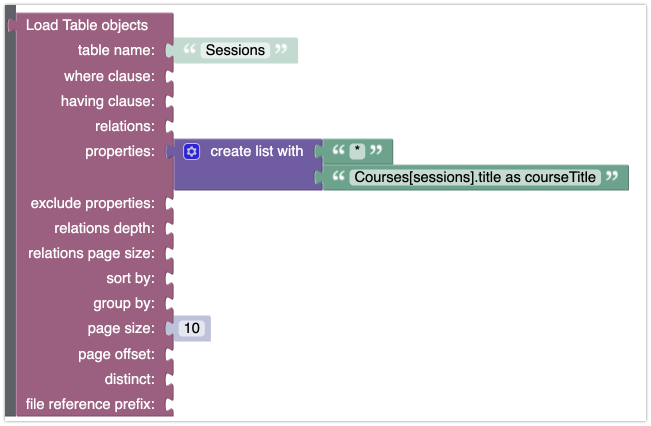
Notice the property name will be courseTitle. This means you can use that property name in the data binding for the text element that needs to show the title.
If you wonder what the * is doing in the property list in the logic above - it loads all columns/properties from Sessions and then course title is also added as a property.
Hope this helps.
Mark
1 Like
That’s worked beautifully!