Hi,
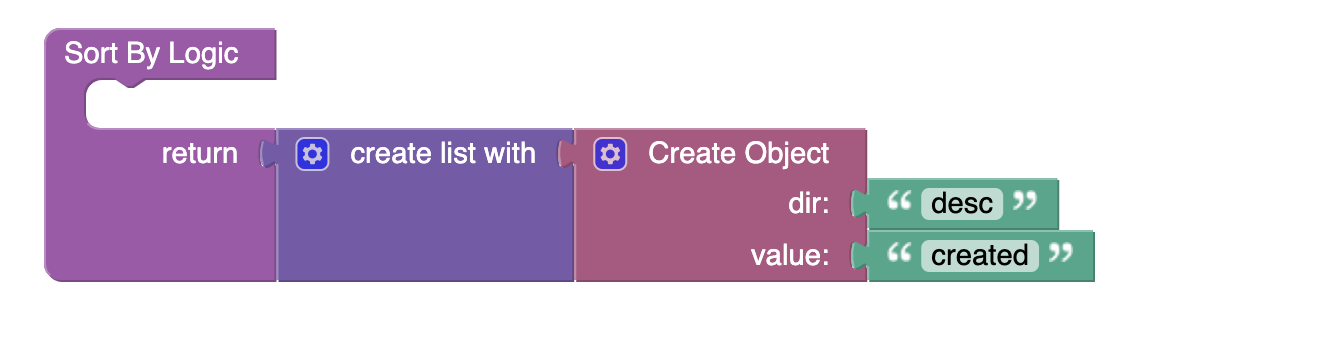
I’m trying to understand the functionality of the “Sort by” handler for Data Tables in the UI Builder. I’ve seen in other posts (Initial Sort By for Data Table Component - #3 by Howard_Jacobson, Data table ui sort option - #2 by dbasilapp) that somehow this “sort by” variable is being forwarded through to the “On Records Request” handler, but I don’t see that as being necessary nor intuitive… I just want a default sorting (“created desc”).
In my opinion the most intuitive place for this should be customizable in the UI-Builder part as well, under the Columns modal.
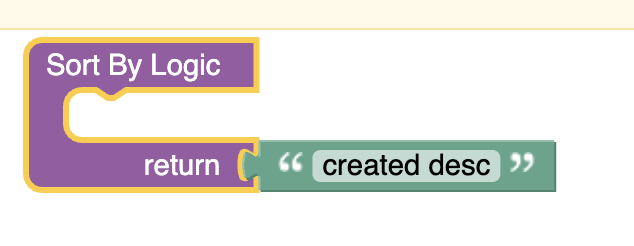
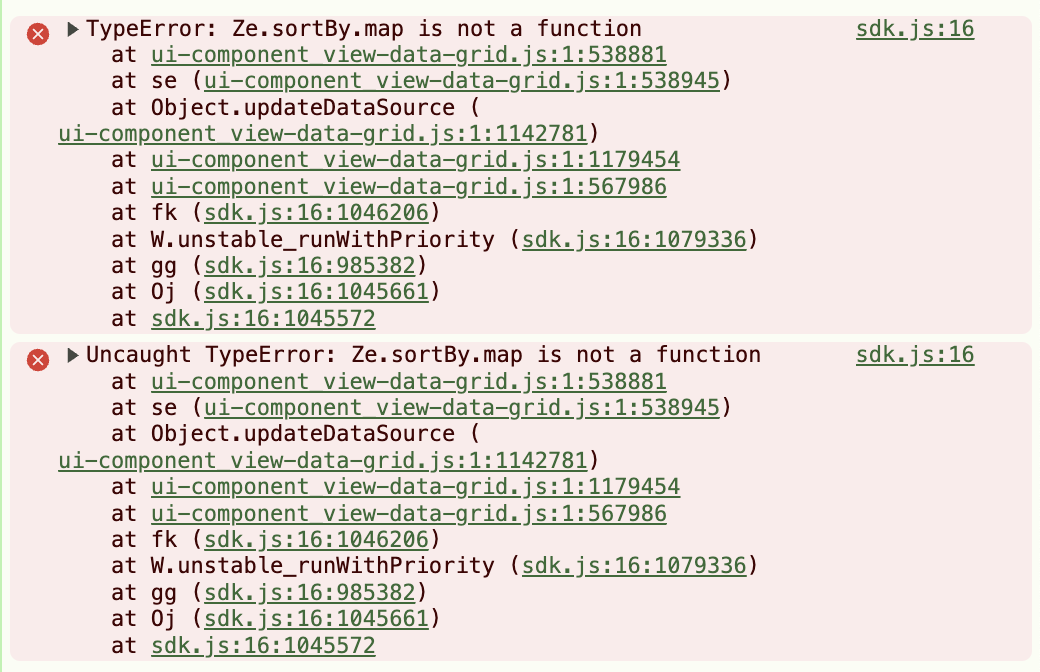
If I customize the handler to look like this, I get an issue. This seems strange, and the error in the UI is unhelpful.
Please let me know how this is supposed to work!
1 Like
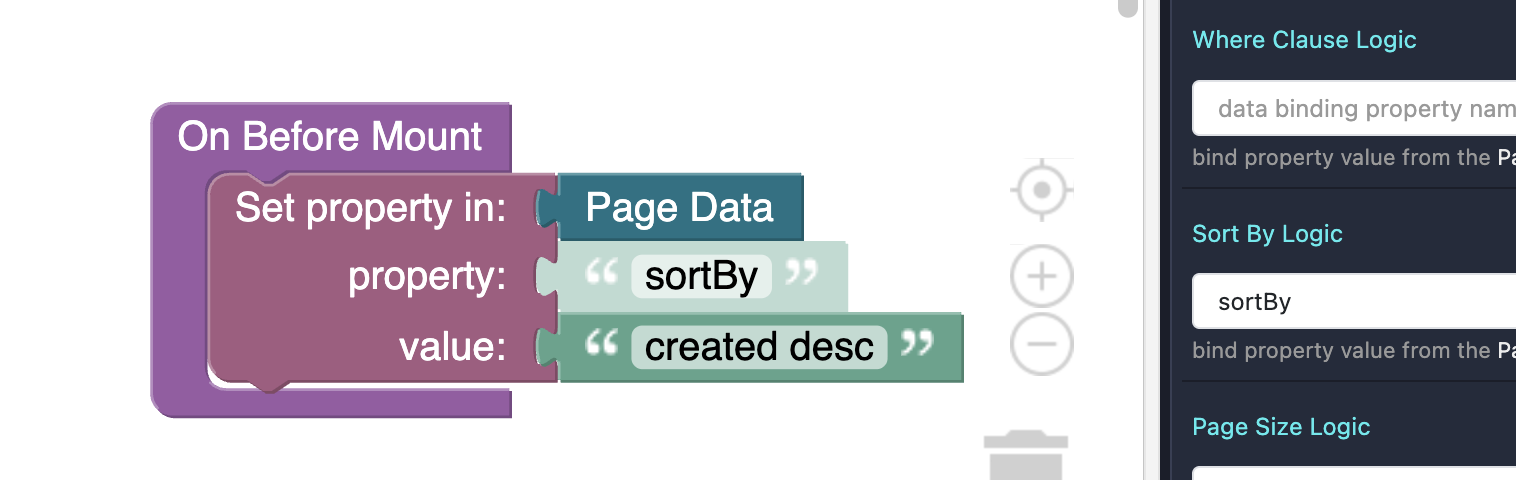
I tried another way with a similar logic in mind, and this time I get no error but no sorting either.
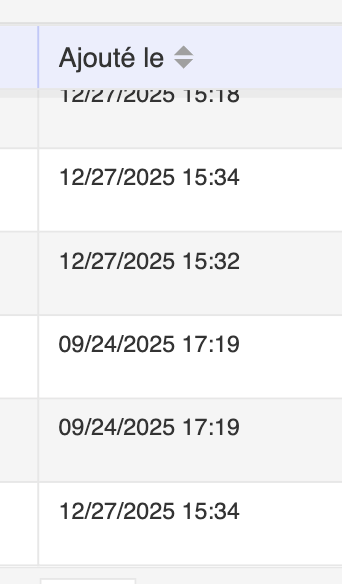
My table results are still unsorted. (“Excuse my french”  )
)
Small update… Perhaps it’s due to the Data grid being linked to a “View” where I named this column “Ajouté le” instead of “created”. So I went back to the “View” as well as the table columns and made sure everything was aligned to “created”. Unfortunately the issue persists.
I also get the same error as in my first attempt now even when doing what I did in the above. Perhaps there was no error showing up due to a cache/saving error of the UI Builder.
Hello @Maxime_Franchot
We apologize for not describing the handler manual in the component.
Let’s try something like this
Regards,
Viktor
1 Like
Oh, great, thank you very much for the clarification.