(This question relates to page Gallery2 (developed from UI Builder Masterclass video 26 “Rendering images … “; link: Backendless)
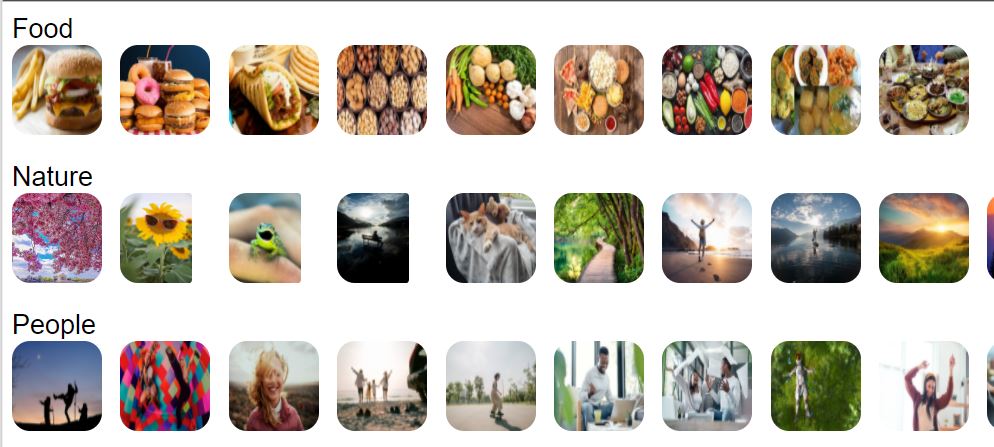
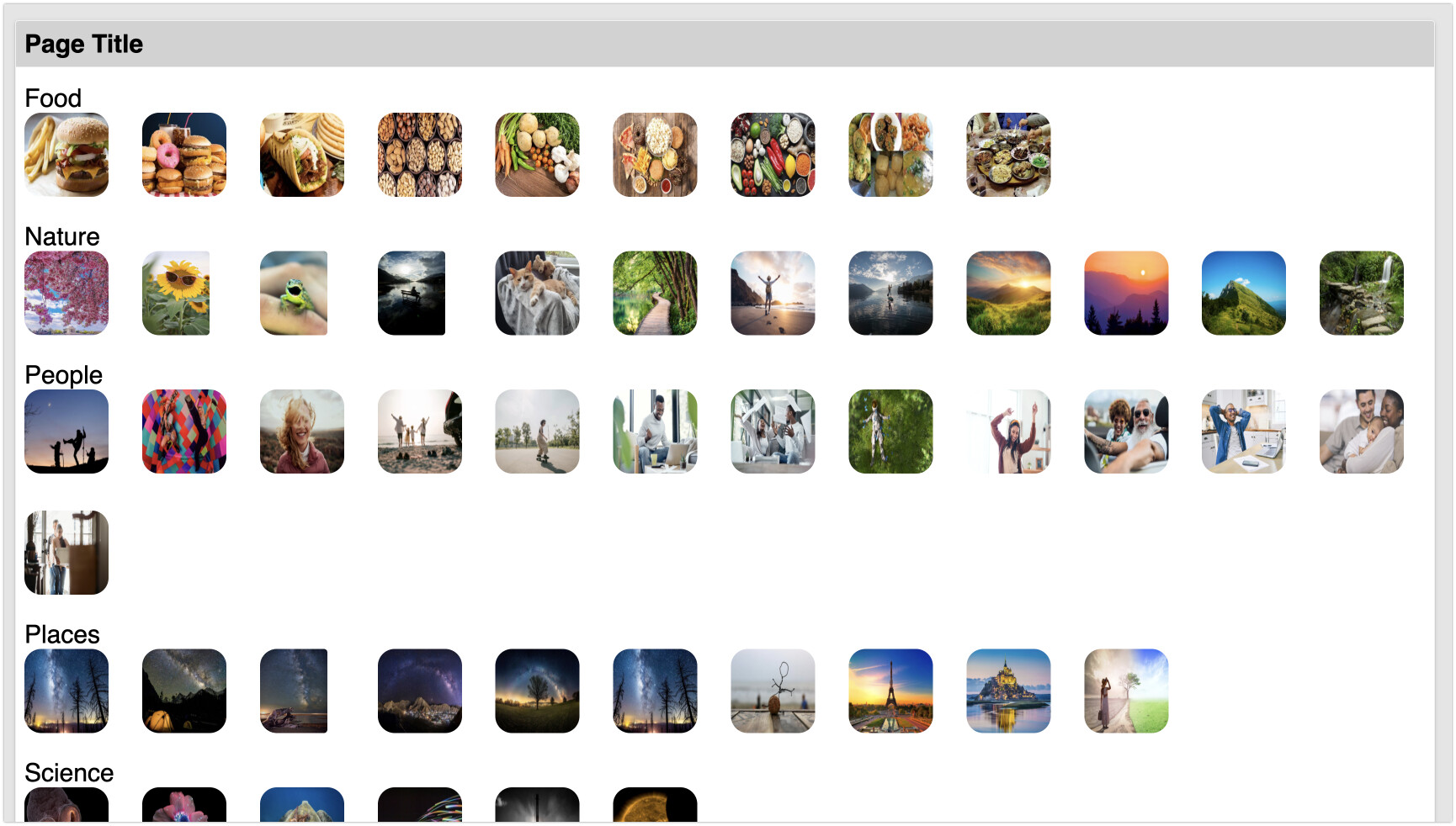
The space between of the images changes when the (Desktop) Preview page size is changed. The images (slightly) overlap when page width is reduced, then expands as the page is expanded. We can’t control the user’s page size, so this seems like a problem.
Is there a way to set the space between the images, letting those on the right ‘drop’ to the next line as the page size is reduced?
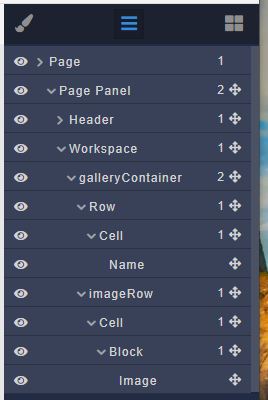
Your page renders images placed into a cell/row/container. The video describes another approach (starting at 4:36) where image is placed into the Block component. Once you rework the page with that approach, you will be able to control the gaps (better described as margins and paddings).
Mark,
Sorry, I sent the wrong URL. Here’s the one for Gallery2, which uses the Block component. UI Builder - Testing - Backendless
I’ve put padding on the right for the row, cell, and block, and margin on the right for the image; none of them seem to make a difference. Spacing varies in the same way, from overlap to widening space as the page is expanded
But if I shrink the width of the browser, then yes, I get the same effect as you experience.
This can be fixed by modifying the default styles of the Row/Cell grid for various screen widths. However, my recommendation would be using the Block component for the purpose of building an image gallery.