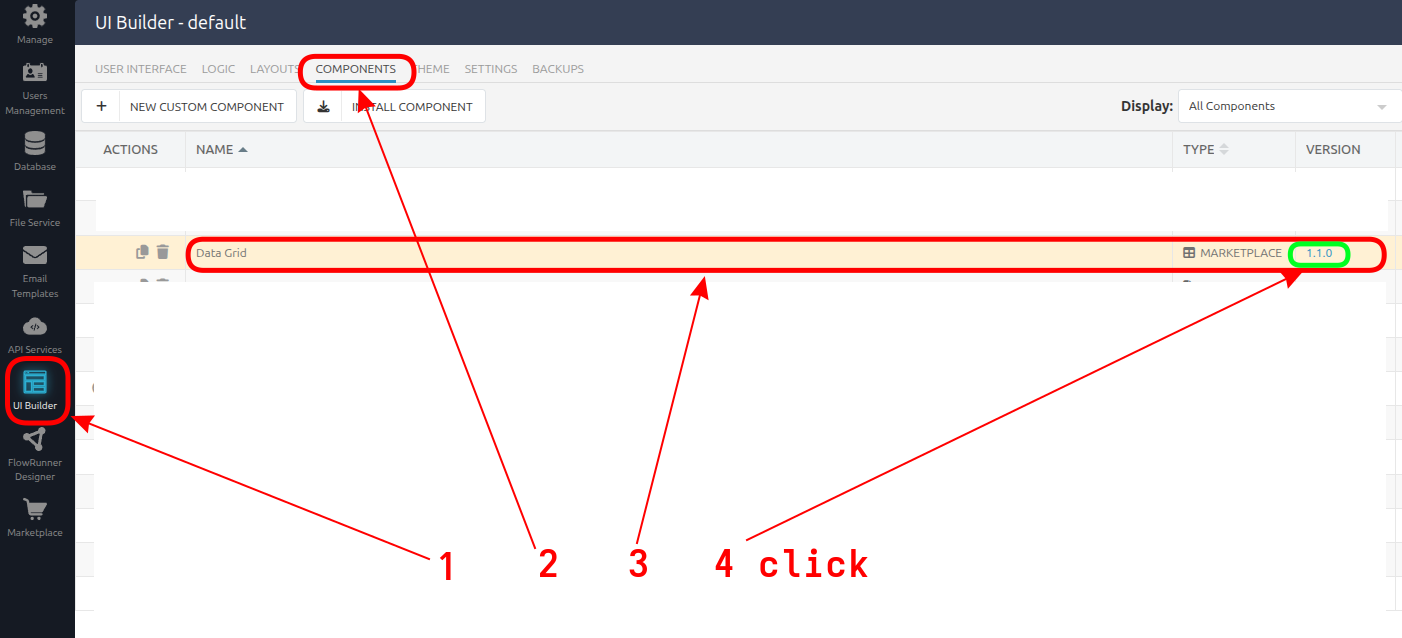
The version I have installed in my app is 1.1. I see the current version on the marketplace is 1.4.
How do I upgrade and will that break anything?
Thanks,
Tim
The version I have installed in my app is 1.1. I see the current version on the marketplace is 1.4.
How do I upgrade and will that break anything?
Thanks,
Tim
Hello @Tim_Jones
Thank you for bringing this to our attention!
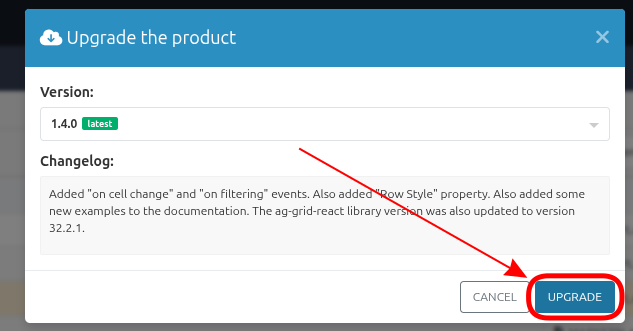
Previously, the option to change a product plan was available through the Upgrade button in the Marketplace. These buttons have now disappeared — this is a technical issue that occurred after recent updates.
We’ve already added this problem to our fix list, and the team is working on restoring the functionality.
We’ll post an update here as soon as the buttons are available again.
Regards,
Volodymyr
Thank you for your question!
Upgrading the Data Grid component from version 1.1 to 1.4 should not cause any issues with your existing app data or configuration — the update only affects the component’s internal implementation and UI improvements.
However, if you’ve made any custom modifications to the component’s logic (for example, edited its code directly after installation), those changes may be overwritten during the upgrade.
In that case, we recommend creating a backup or exporting your current UI before proceeding with the update.
Regards,
Volodymyr
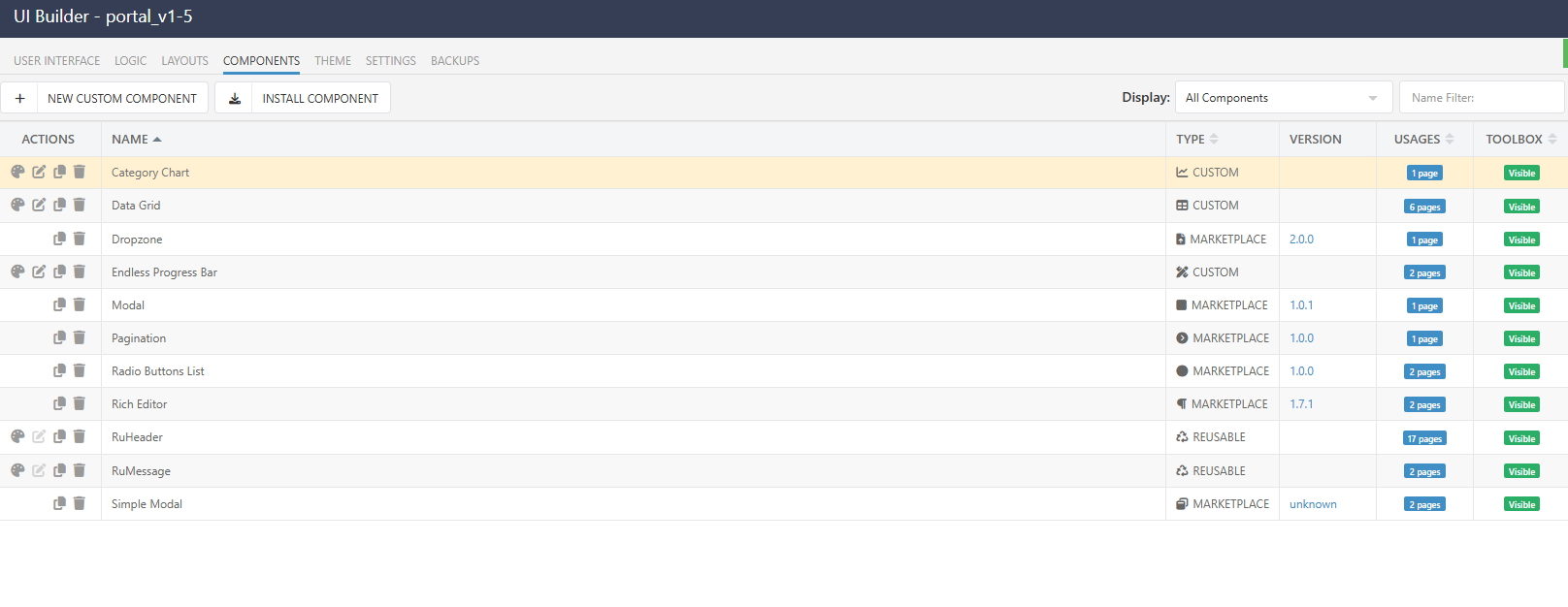
I installed the Data Grid from the marketplace a few years ago, but now it shows as custom -
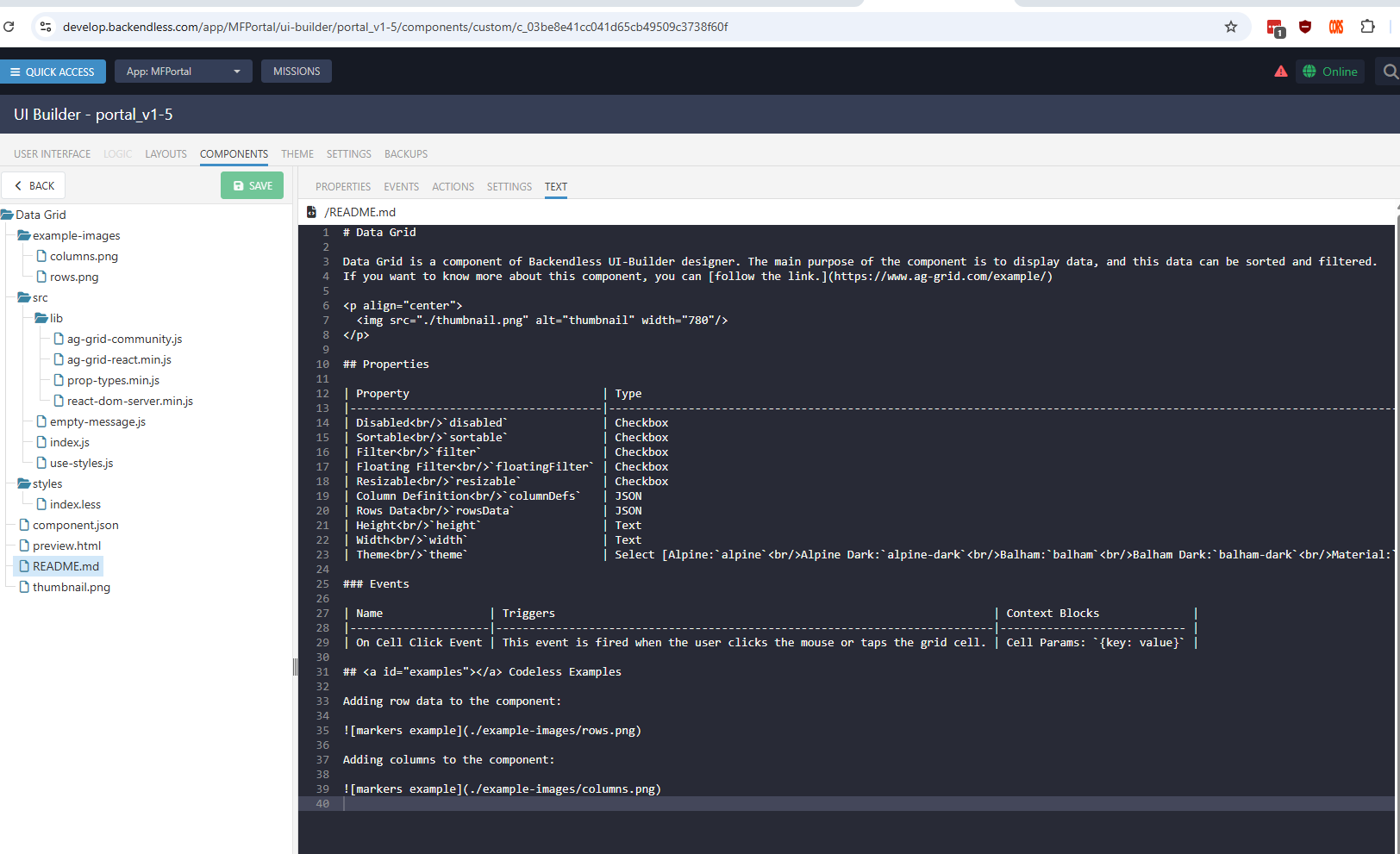
This is the read me -
Did the component get modified at some point (I’ve had several Backendless engineers help me on this project over the years)? I know I haven’t changed it.
What options do I have?
Tim
Hi @Tim_Jones
I can see the component was installed to the “default” UI Container, but the “portal_v1-5” the component had a broken reference to the product. I just restored the reference and now it appears as installed from the market and you can upgrade it.
Regards,
Vlad
Thanks @vladimir-upirov! I got the component upgrade.
Tim
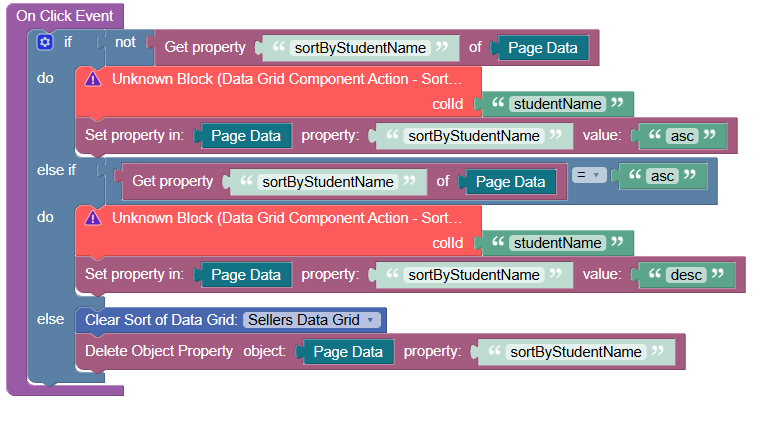
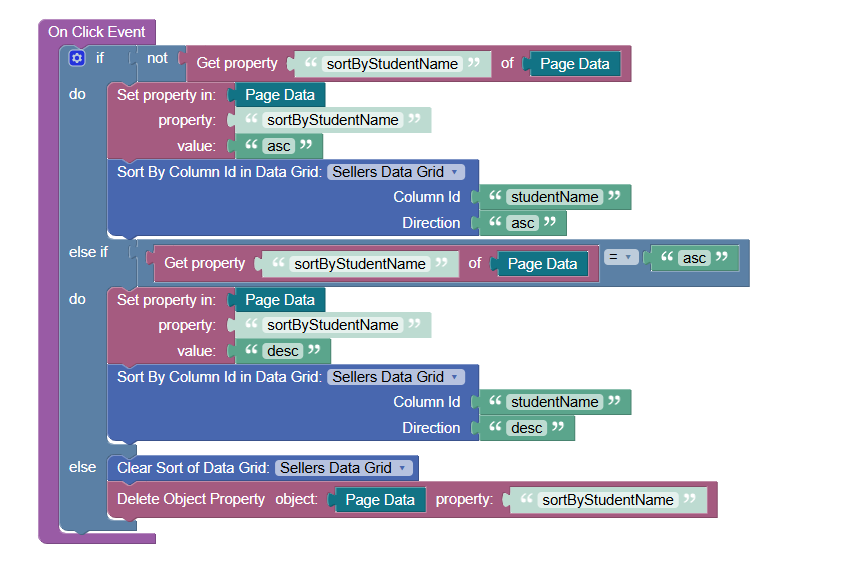
I replaced the outdated block with the new ones.
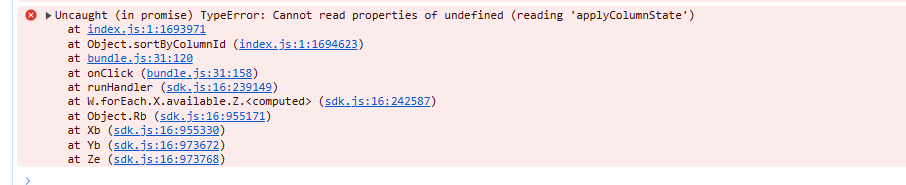
And now when I click a button to sort the column, I get this error -
Yes, there was an issue with setting column, we just fixed and released the fix in the version v1.4.1, try to upgrade you component
Thanks @vladimir-upirov! I installed the updated version, and it works.
Tim