Hi!
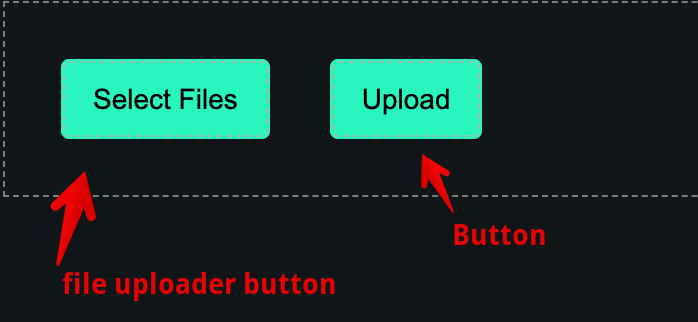
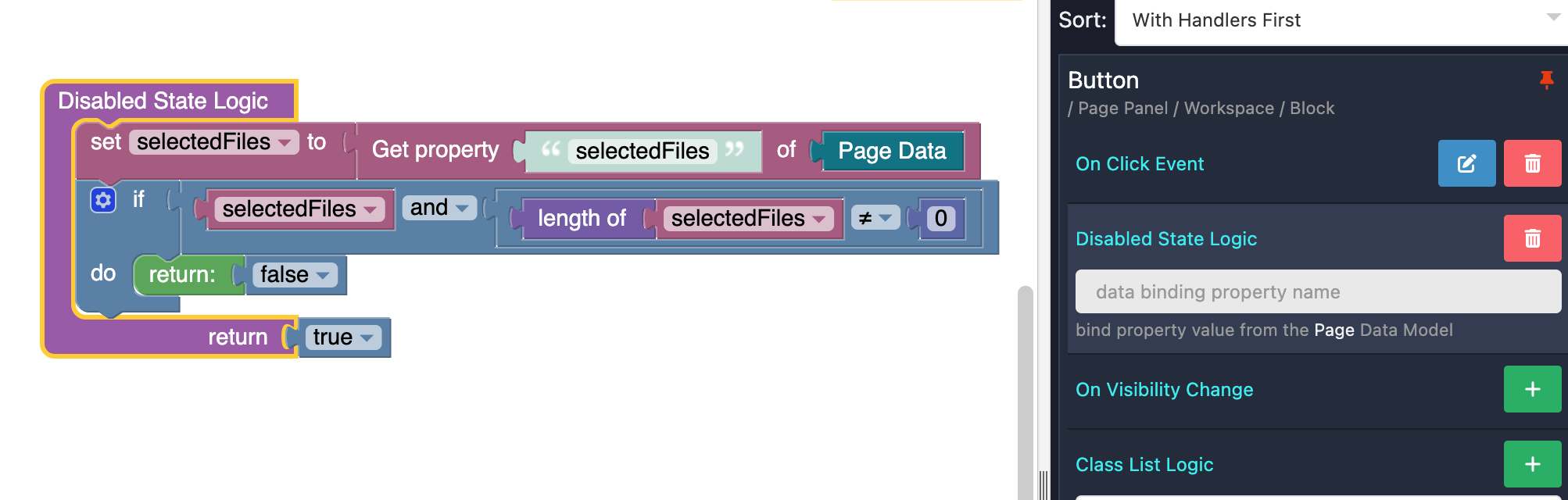
For some hours I have tried to implement uploading an image with checking file size. I have checked the ‘Process Upload in Logic’ property. I haven’t find any documentation about using of that. I have tried different places to implement the checking of file size and uploading.
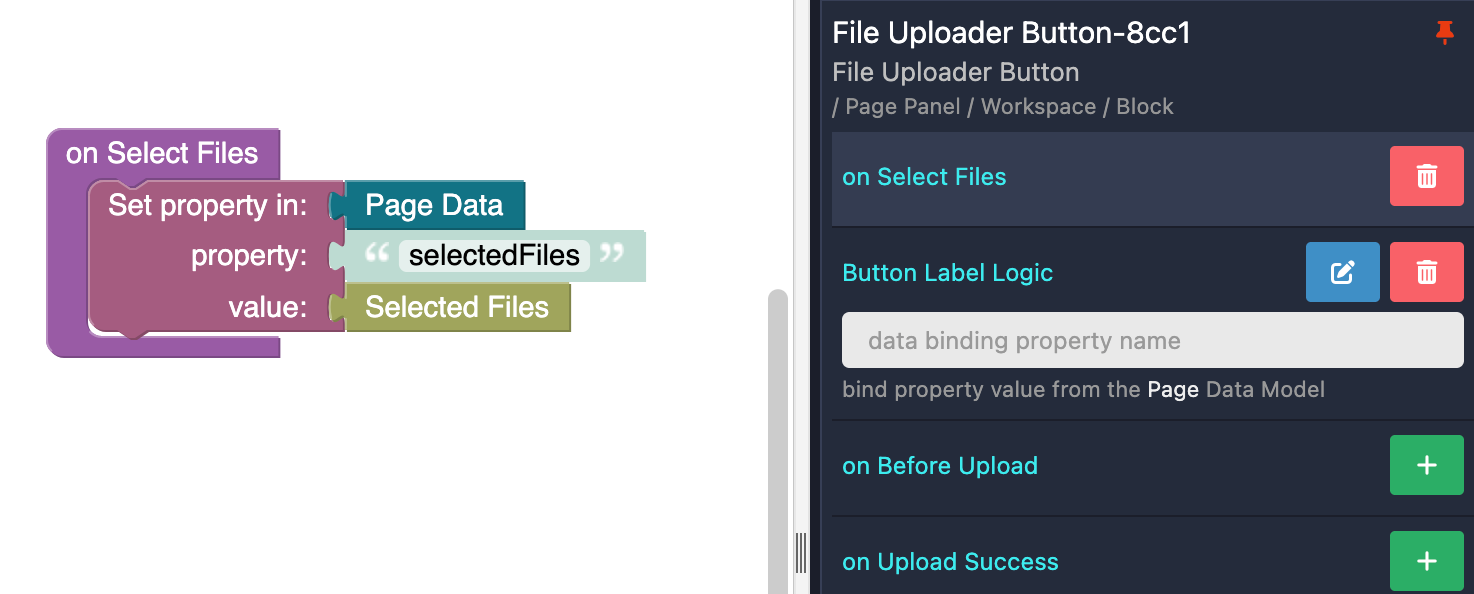
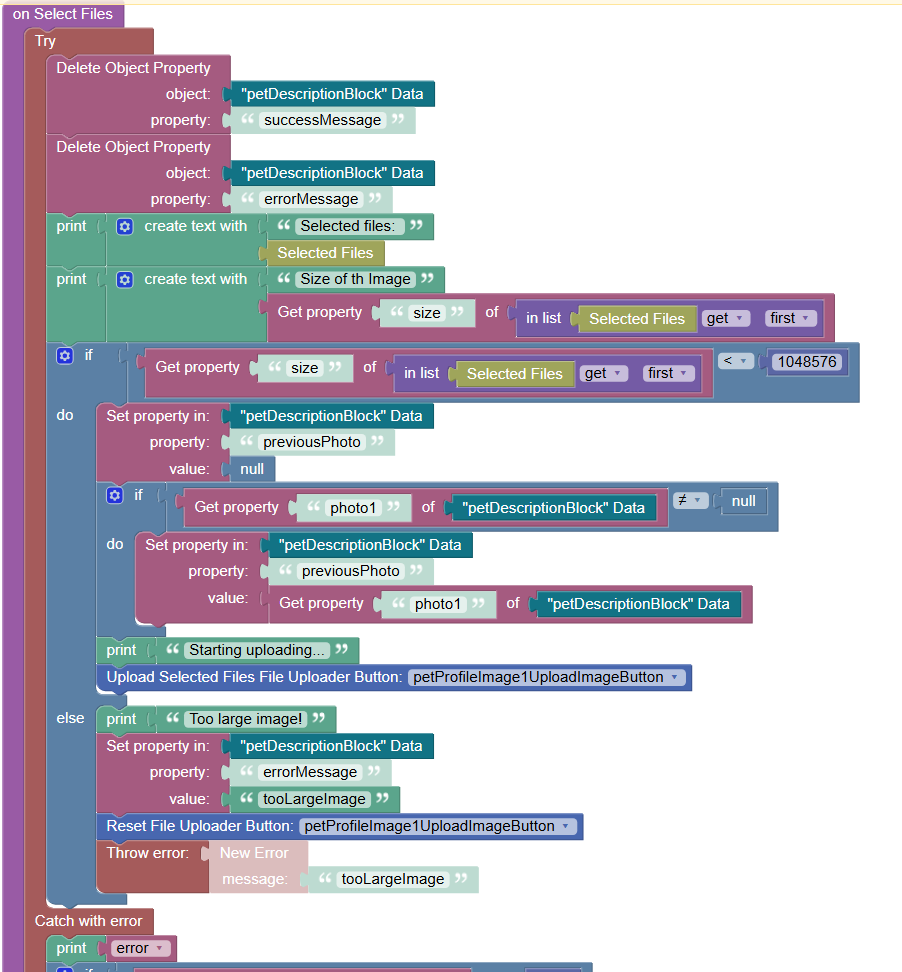
The most successful implementation has been the solution where the file size is checked in ‘On Select Files’ event. That works with large images and the program gives the error message for the user. But if the file size is small enough nothing happens.
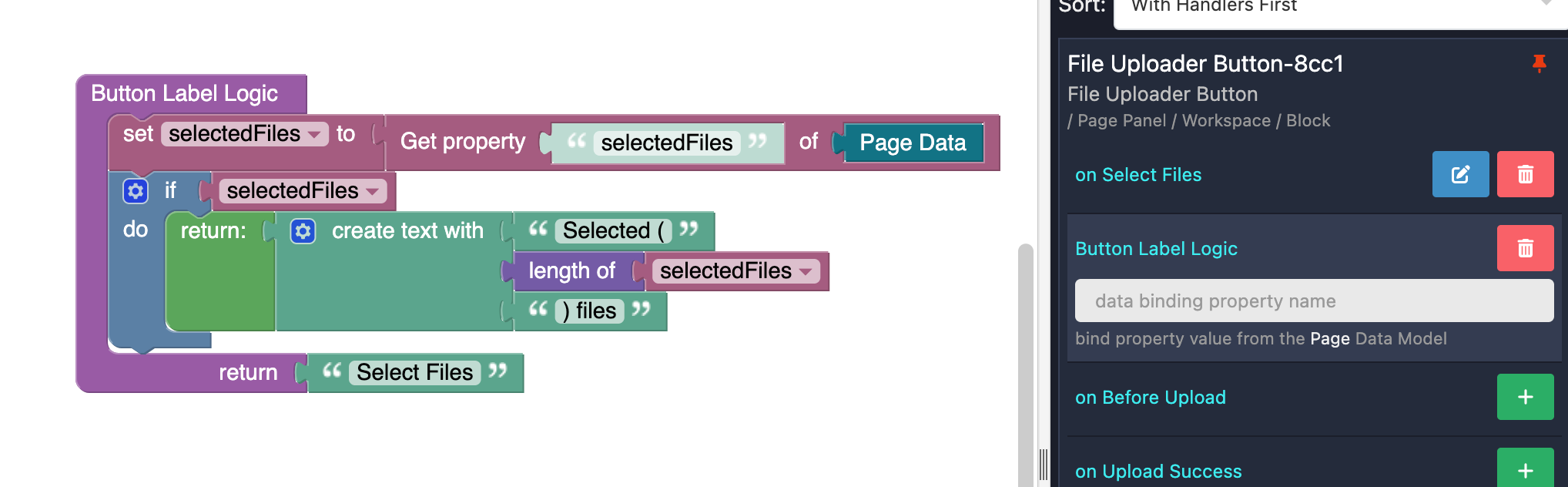
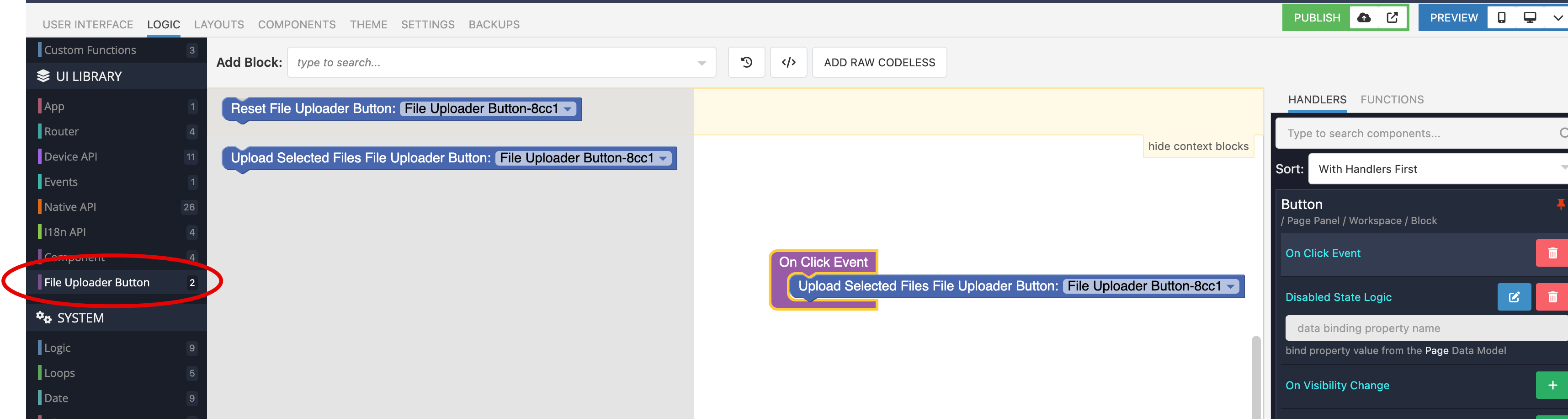
Here is my code:
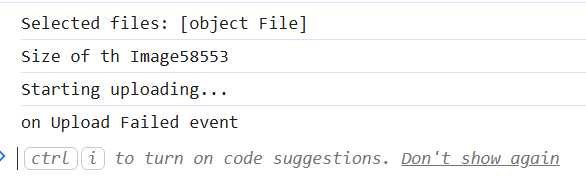
In console, I can see that the process goes in the right path in the code:
But in Network tab we can see that nothing is happening when the button has been pressed:
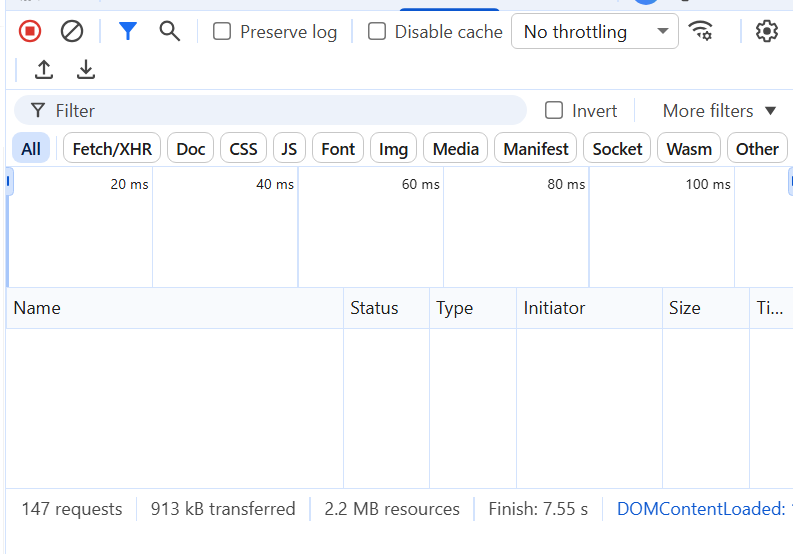
Either any error occurs. However, the program goes to ‘on Upload Failed’ event.
Please, help me. What I am doing wrong?
Thanks for advance!
Hanna