User login - Error in logs?

I noticed my error log is mainly filled with an error about user login -

14:46:38.782 | SERVER_CODE | ERROR | [3982384] Error: Invalid login or password at checkStatus

  1. Is logging this message an API call? I assume yes.
  2. How do I turn this off? I think this is coming from the Login user block -

Thanks,
Tim

Yes

Add a try/catch block and do not log the error.

Hi @mark-piller

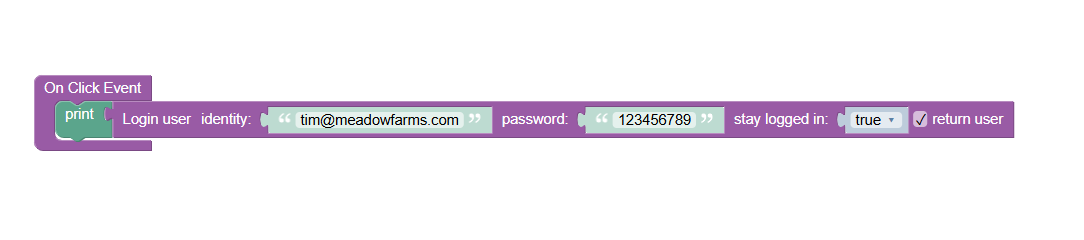
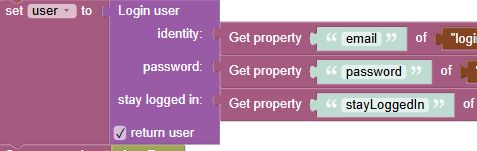
Thanks. This part was built by your team. The Login user block is in a try/catch and I don’t see any thing being logged -

The error is coming from the server-side (Cloud Code) logic. Where in the Cloud Code do you use the login user API?

Do you use the login with phone number (via Twilio) functionality?

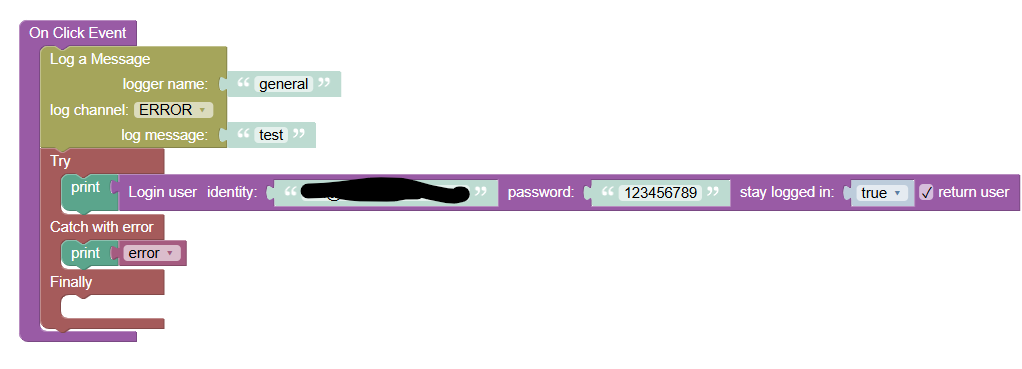
I’m not. I built a simple test page with a button and incorrect login details -

The moment I press the button, I see an error in the RT log/log file. So I think the Login user block logs all the errors to the log file automatically.

Which would mean every failed login is two call? One to the login api, and another to write the error?

Tim

If you do not use the Twilio plugin, you should remove it from the app as it slows down the login process and causes the errors to get logged in the log file.

The Login user block in UI Builder does not log anything to the log file. The log file entries come from the Cloud Code which contains the logic from the Twilio login. The logic uses Event Handlers to process the login in a special manner that supports both the classic login and one with a phone number.

Mark

Hi Mark,

I use the Twillio plug to send text messages, but not related to login. Should I built my own API calls to send texts instead of using the Twillio plugin?

Right now, attempts to login with incorrect user/pass (not related to Twillion) are getting set in the error log.
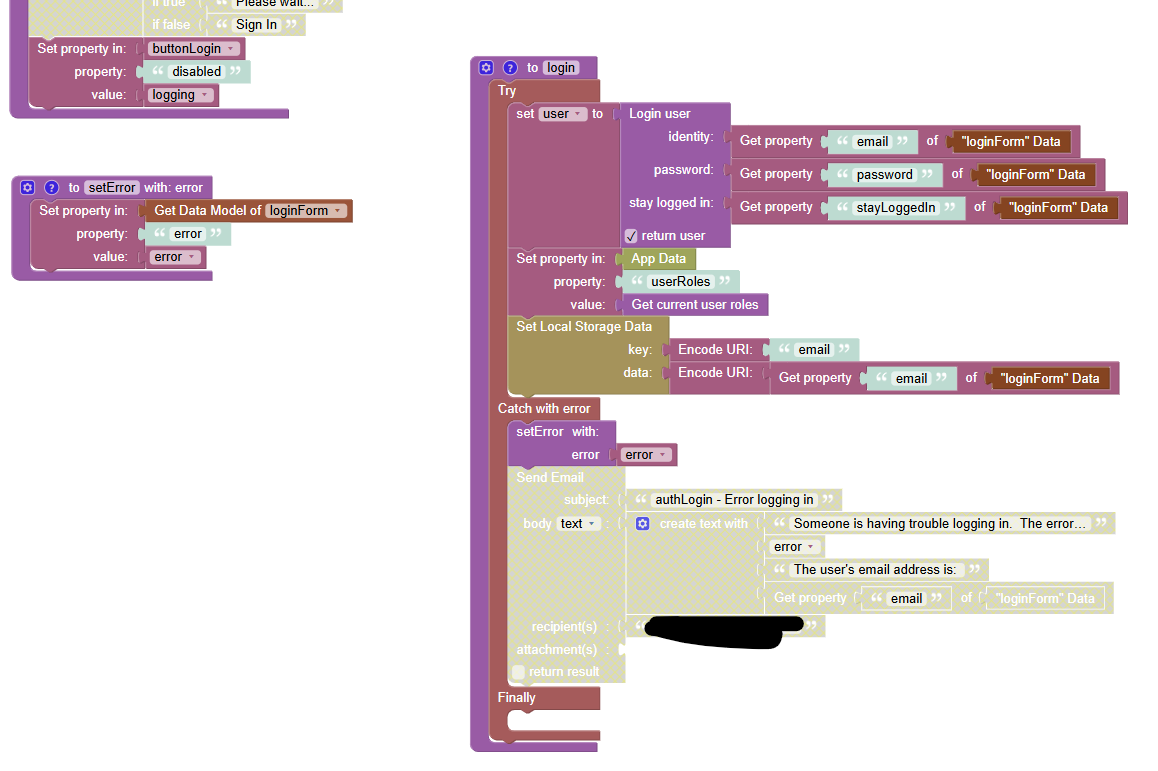
Simple test code -

Clicking the button results in a log -

Thanks,
Tim

Hi Tim,

I recommend using Flowrunner to send messages using twilio. You can invoke your flows directly from business logic or from the UI

Regards,
Mark

Thanks, Mark. I removed the Twilio plugin, and the errors in the log are gone.

Tim