Hi all,
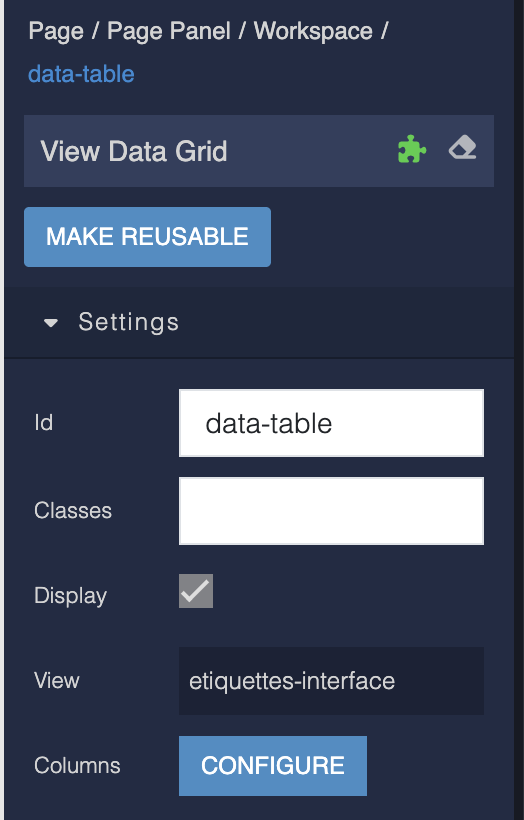
I’ve got a View Data Grid (from the Backendless components, not from Marketplace) which displays data that I’ve customized in a Data View.
In the same page, I have a form to update and add new entries to the table that links to this grid.
May I suggest either having:
1 - Having the table listen to the view and update real-time or
1 - A way to trigger a refresh on the view.
I believe both of these are possible on regular Data Table but not on the View Data Grid.
I’ve tried work-arounds such as setting the where-clause to some other value and setting it back, but it appears the table refreshes using cached values, thus not actually performing any update. Currently the user has to refresh the entire page which is quite inconvenient.
If you have any other suggestions, please let me know.
1 Like
Hi @Maxime_Franchot
Thank you for your question, yes there is no action to reload data at this moment, but we will take a look at what we can with the component.
As an alternative option you can try to hide and then show the component, it should reload data.
Regards,
Vlad
1 Like
Hi @vladimir-upirov ,
Thank you for your response.
This is an unrelated issue, but actually ran into this while trying your suggestion previously.
I receive this error in the console, when hiding and then showing the table: on reappear, the page goes blank and I get this error.
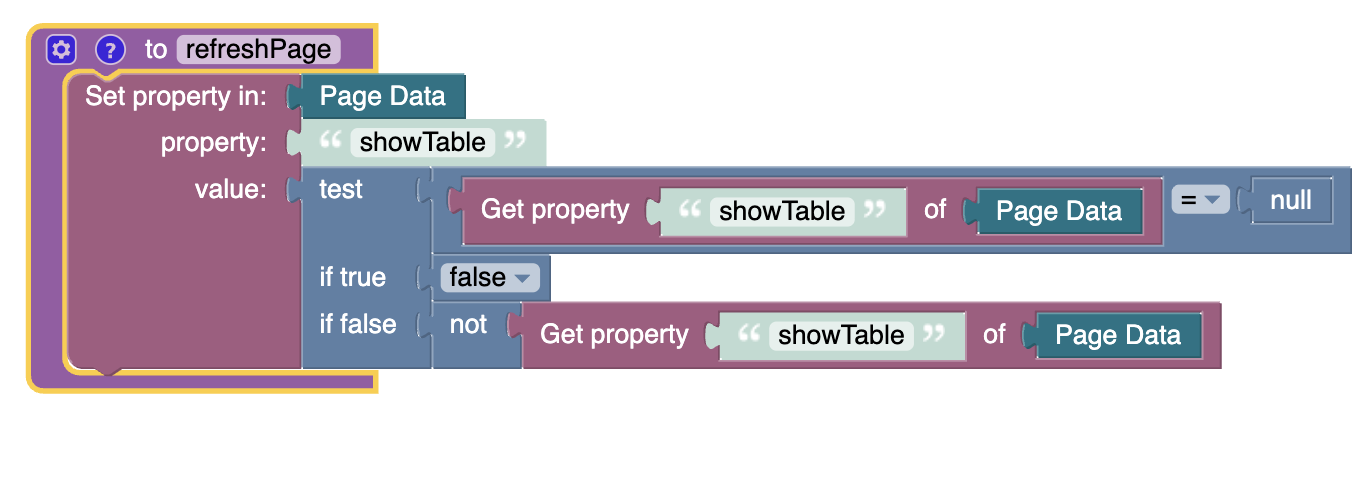
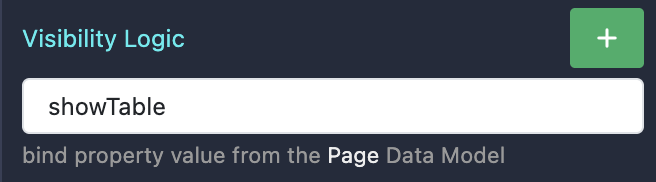
The implementation is otherwise simple:
(“refresh page” should be more appropriately named “refresh table”.)
The link in the error says " Rendered more hooks than during the previous render." This also occurred while trying to reset the where clause, and toggling the visibility using the pre-made “toggle visibility” codeless component.
Perhaps you can help here?
In the meantime I will implement the option for a programmatic full page refresh (necessary since my users are using this with a PWA).
1 Like
Hello Maxime Franchot, we apologize for the inconvenience.
As a workaround, you can wrap the View Data Grid inside a Block component and apply the Visibility Logic to the Block.
Regards,
Alexander
2 Likes
Hi @Alexander_Pavelko , thank you for this work-around. It works well as expected.
1 Like