@William_Lee we are happy to introduce you Custom Code block, which makes creating Lottie animations possible.
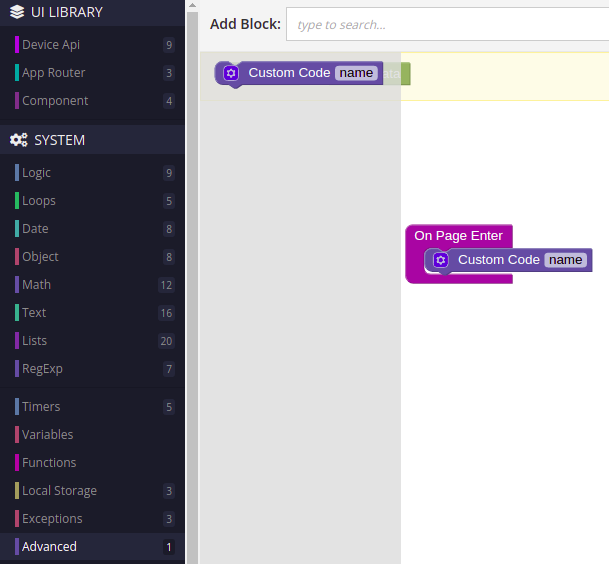
Here a little example - link
Code in Custom Code block:
const resutl = await BackendlessUI.requireModule('https://unpkg.com/@lottiefiles/lottie-player@latest/dist/lottie-player.js')

const el = document.querySelector('.animation')

el.innerHTML = `
<lottie-player src="https://assets5.lottiefiles.com/datafiles/zc3XRzudyWE36ZBJr7PIkkqq0PFIrIBgp4ojqShI/newAnimation.json"  background="transparent"  speed="1"  style="width: 300px; height: 300px;"  loop  autoplay></lottie-player>
<lottie-player src="https://assets9.lottiefiles.com/datafiles/MUp3wlMDGtoK5FK/data.json"  background="transparent"  speed="1"  style="width: 300px; height: 300px;"  loop  autoplay></lottie-player>
<lottie-player src="https://assets1.lottiefiles.com/datafiles/HN7OcWNnoqje6iXIiZdWzKxvLIbfeCGTmvXmEm1h/data.json"  background="transparent"  speed="1"  style="width: 300px; height: 300px;"  loop  autoplay></lottie-player>
`
Also, don’t forget to add a block with class animation(you can change this class, it need only to found an element where we should render lotties)
Regards, Dima